Recently, I wanted to start a public account series focused on breaking down useful Skills.
The idea was simple: whenever I find a handy Skill, I’d explain what problem it solves, how to use it, why it’s well designed, and whether an average person can adapt it.
But when I actually sat down to prepare the first article, I realized I hadn’t figured out a lot yet.
Who the readers would be was unclear.
Which Skill to write about first was undecided.
Whether the article should be a tutorial or a case study breakdown was also up in the air.
I even only had a vague feeling about whether to distill it into a fixed process in the end.
In this state, having AI write the article directly is certainly an option.
It would give me a seemingly complete draft: a title, structure, examples, and a conclusion.
But I knew that draft probably wouldn’t get published.
What’s worse, I hadn’t even figured out the series myself.
AI just packaged my unclear thoughts into a seemingly complete article.
This is where grill-me is more useful than just asking AI to “write another version.”
It doesn’t rush to write.
You give it a plan you haven’t fully thought through, and it follows that plan by asking one question at a time. After you answer, it asks the next.
What it does is simple: don’t rush to produce; first clarify the questions.
1. What problem does it solve: AI starts writing too early
Many people use AI to write by immediately asking it to generate something.
For example:
Help me write a public account article.
Help me make a plan.
Help me design a product.
Help me plan a series of content.
These requests are fine.
The problem is, often we ourselves haven’t thought things through.
Who is the article for? Unknown.
What should readers do after reading? Unknown.
What scenario does the first version of the product solve? Unknown.
But AI won’t stop and wait for you to figure it out. It will immediately write a draft based on the little info you gave.
So you often get a familiar result: a complete draft that just doesn’t feel right.
Complete nonsense is still nonsense.
I used to think it was a tone or title problem.
Later I realized many drafts get stuck earlier: the key decisions haven’t been made.
grill-me handles exactly this layer.
It doesn’t let AI jump into writing mode. Instead, it pulls out all the vague parts in your mind by asking them one by one.
Writing, product design, workflow design, study plans, content planning — it’s all similar.
First clarify “what exactly needs to be done,” so things don’t get messy later.
2. How I used it to clarify my public account series
This time I used it to organize this public account series.
At first, I gave it very rough info:
I want to create a public account series that talks about useful Skills and also teaches people how to write Skills.
In a normal conversation, AI would probably just give me an article outline.
grill-me didn’t do that.
It first asked me: What do you want this series to ultimately become?
I confirmed it shouldn’t stop at one article but ideally become a reusable public account article production process.
Then it asked: What’s the positioning of the public account?
I settled on “AI tools and personal efficiency practices.”
Next, it kept asking about the readers, the main content line, how each article should be organized, whether the tone should be more like experience sharing or technical documentation, how to title articles, and which Skill to break down first.
Each question alone isn’t hard.
The hard part is that when you’re doing things yourself, it’s easy to skip over them.
I did that too.
Once I felt “close enough,” my hands were already on the keyboard.
What’s nicer is that each question comes with a recommended answer.
It doesn’t just throw questions at you:
What do you want to do?
It first offers a judgment:
I suggest doing it this way. Do you agree?
So I only need to decide: yes, go with this; or the direction is right but this part needs tweaking.
In the end, the series was organized into three files:
wechat-style-guide.md
Defines public account positioning, readers, tone, title style, article structure.

skill-breakdown-template.md
A template to use for breaking down Skills in future articles.

grill-me-article-plan.md
Title, case, structure, and call to action for the first article.
Once the article is published, it’s done.
The process can be reused next time.
3. How to install and use
This Skill is in Matt Pocock’s Skills repo:
https://github.com/mattpocock/skills
You can just give this GitHub link to AI and say:
Help me install the grill-me Skill from this repo.
When using it, you can say:
/grill-me
I have a plan: [your plan].
Use grill-me to ask me questions until this plan becomes clear.
For example:
I want to create a public account series about breaking down useful AI Skills.
Use grill-me to ask me questions until the series positioning, structure, and first topic are clear.
It’s suitable for these scenarios:
- You have a topic but don’t know how to write it yet.
- You have a product idea but haven’t figured out users, boundaries, or the scope of the first version.
- You want to create a workflow but haven’t defined steps or final output.
- You want to write a Skill but the trigger conditions, inputs/outputs, and constraints are still vague.
If you have that feeling of “I roughly know what to do, but it’s still fuzzy when I say it,” you can let it ask you a round of questions first.
4. Why it’s useful: three design points
grill-me itself is very short.
Its own description is almost just one line:
Run a /grilling session.
What really works is the underlying grilling.
It has three design points worth noting.
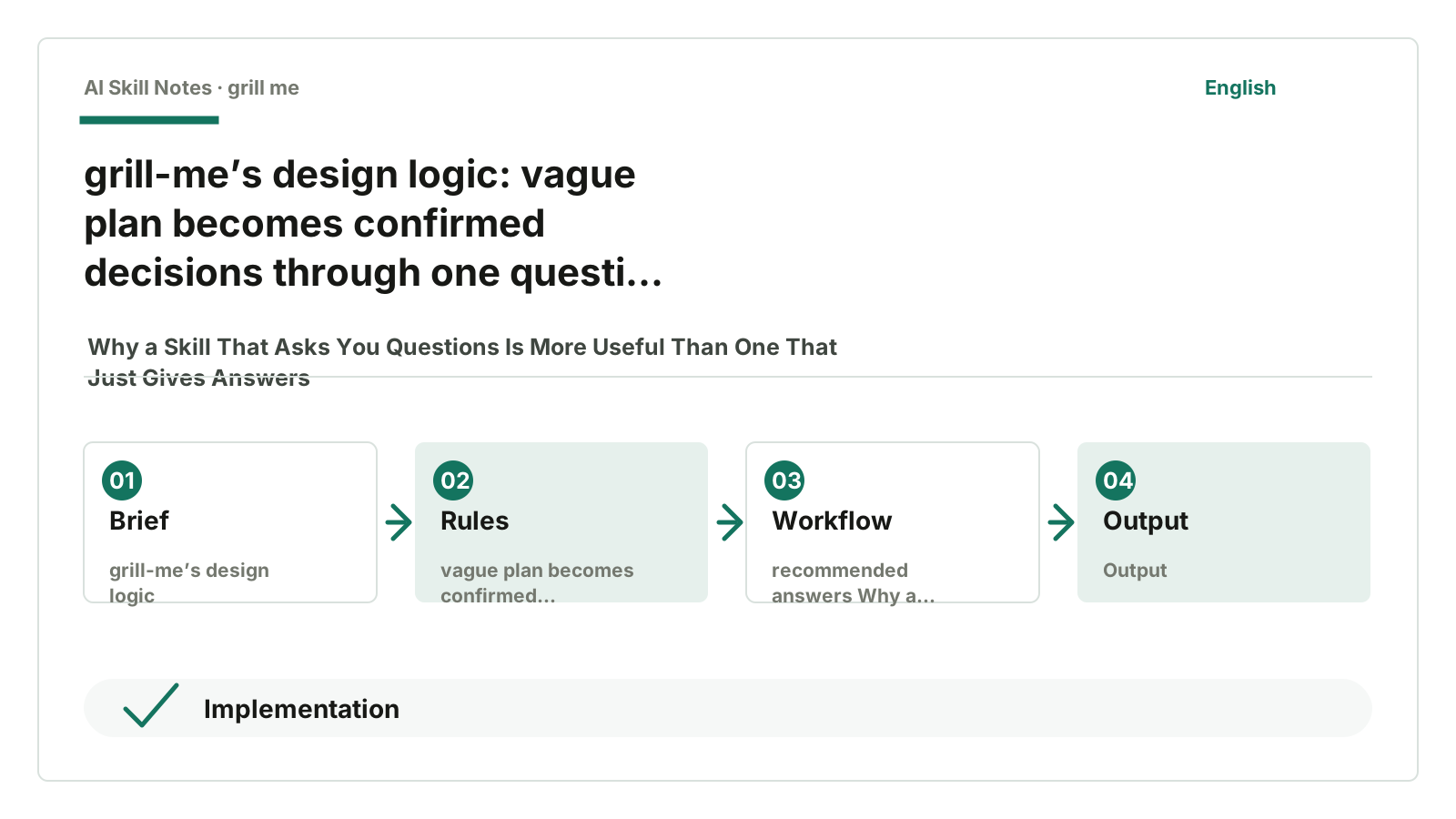
You can think of its logic as a short chain:
Vague plan -> One question at a time -> Provide recommended answer -> Confirmed decision
First, ask only one question at a time
Many AIs, when clarifying requirements, throw out a bunch of questions at once:
Please tell me your target audience, use case, output format, style preference, budget, time constraints, reference cases...
Asking all at once overwhelms people.
When overwhelmed, people tend to answer carelessly.
grill-me requires asking one question at a time and waits for your feedback before continuing.
This pace feels much better.
Also, earlier answers influence later questions.
For example, after confirming the main content line is “breaking down useful Skills and teaching how to write Skills,” questions about article structure, title style, and ending templates have direction.
Second, each question comes with a recommended answer
It doesn’t just ask:
What do you want to do?
It first offers its suggestion:
I suggest doing it this way. Do you agree?
Often, it’s not that we lack judgment, but we don’t want to come up with answers from a blank slate.
Having a recommended answer lets us quickly respond:
Yes, let’s do it that way.
Or:
The general direction is right, but this part needs changing.
This saves effort compared to organizing a whole plan from scratch.
Third, ask first, generate later
When I use AI for workflows now, I’m especially cautious about one thing: generating too early.
You haven’t thought it through, but AI already wrote a draft.
You read it, feel it’s off, and ask it to revise.
It writes another draft.
You still feel it’s off.
In the end, you realize the problem isn’t wording.
The earlier decisions weren’t solid.
If the foundation is crooked, changing sentences later doesn’t help.
grill-me avoids this pitfall with a small but powerful move:
Ask first, generate later.
You can directly copy this into your own Skill.
5. How you can write your own Skill like this
If you don’t just want to use grill-me but learn how it’s made, you can see it as a kind of “questioning Skill.”
This kind of Skill doesn’t rush to produce content.
It helps users make decisions first.
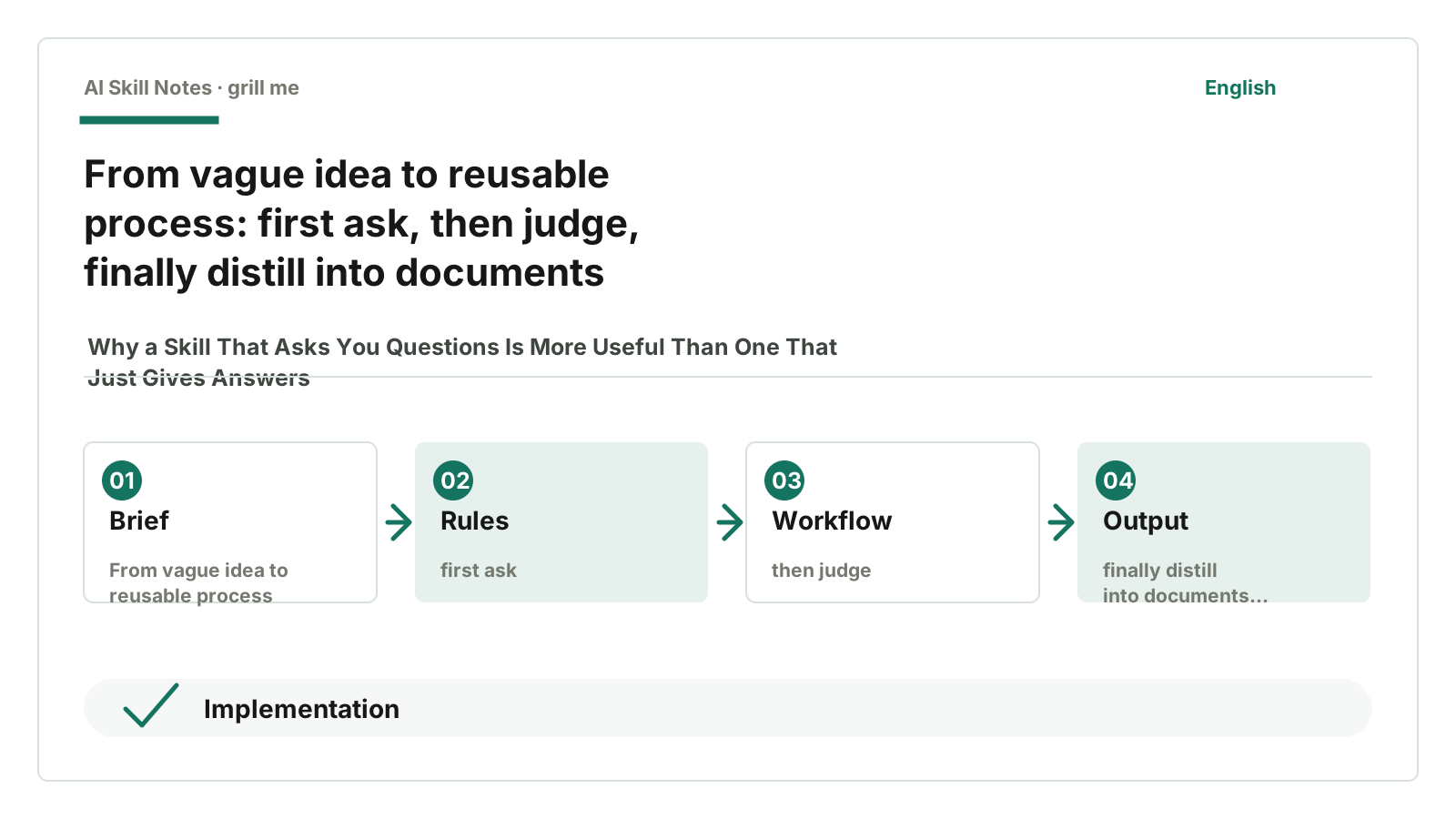
You can abstract it like this:
Applicable scenarios:
Users have a plan, design, topic, or task direction but haven’t figured out several key decisions that affect the outcome.

Trigger conditions:
User says "help me clarify," "ask me questions," "solidify this plan," or "I have a vague idea."

Input:
A preliminary plan, even if just a few sentences.

Output:
A set of confirmed decisions. If needed, distilled into documents, templates, PRDs, or execution checklists.

Workflow:
1. Identify the highest-level decisions in the plan.
2. Ask one question at a time.
3. Provide a recommended answer for each question.
4. After user feedback, decide the next question.
5. After confirming branches, summarize into actionable output.

Key constraints:
- Don’t ask multiple questions at once.
- Don’t generate final plans if information is insufficient.
- Don’t ask users questions that can be inferred from context.
If you want to customize it, you can start with two directions.
One is a “public account topic questioner”:
Who is this article for?
Where are the readers stuck now?
What should they do after reading?
Should the title emphasize results or conflict?
What template can you give readers at the end?
The other is a “product requirement questioner”:
Who is the target user?
How do users currently solve this problem?
What happens if this feature isn’t done?
What are the success metrics?
What is the minimum viable loop for the first version?
You’ll find a good Skill isn’t about writing long prompts.
It should turn a vague task into a path you can reuse next time.
If you have a plan you can’t clearly explain, don’t rush AI to write the result.
Give it to grill-me first and let it ask you some questions.