When writing AI-flavored self-checks, it’s easy to start by asking: is there a tool that can directly tell me if this text is AI-generated? I’m not very confident in this question anymore. No matter how powerful a detector is, it first needs to know what it considers “human-written” and what it considers “AI-written.” Without a clear foundation, even the most refined scores are just seemingly formal judgments.
This article first breaks down chatgpt-comparison-detection.
It’s not a standard Codex Skill. The repo doesn’t have a SKILL.md. It’s more like a research project: first collecting human and ChatGPT answers, then building detectors based on this corpus.
1. Clarifying the Source
The repo is here:
https://github.com/Hello-SimpleAI/chatgpt-comparison-detection
The corresponding paper is:
How Close is ChatGPT to Human Experts? Comparison Corpus, Evaluation, and Detection
The core of the repo is called HC3.
Its full name is Human ChatGPT Comparison Corpus. Simply put, for the same question, it collects human answers on one side and ChatGPT answers on the other, then uses them for comparison and detector training.
It supports both English and Chinese.
Many detectors only work well in English scenarios and tend to falter in Chinese. HC3 at least includes Chinese in the same set of questions.
2. It Doesn’t Guess the Flavor First, It Makes Comparisons First
What I find most valuable about this repo is not whether it can instantly spot AI text.
I’m more interested in its starting point.
It first acknowledges one thing: to judge AI text, you need contrast samples.
For example, a finance question—how do humans answer? How does ChatGPT answer?
A legal question—how do humans answer? How does ChatGPT answer?
A medical question—how do humans answer? How does ChatGPT answer?
Only by putting these answers together does the detector have something to learn from.
The same applies to public account writing.
You can’t just say “this sentence feels AI-generated.” It’s better if you can provide a set of contrasts:
AI-style expression: This not only improves content quality but also provides new possibilities for subsequent creation.

Human-style expression: This sentence goes on for a while but doesn’t actually tell the reader what to do next.
With contrasts, the problem becomes much clearer.
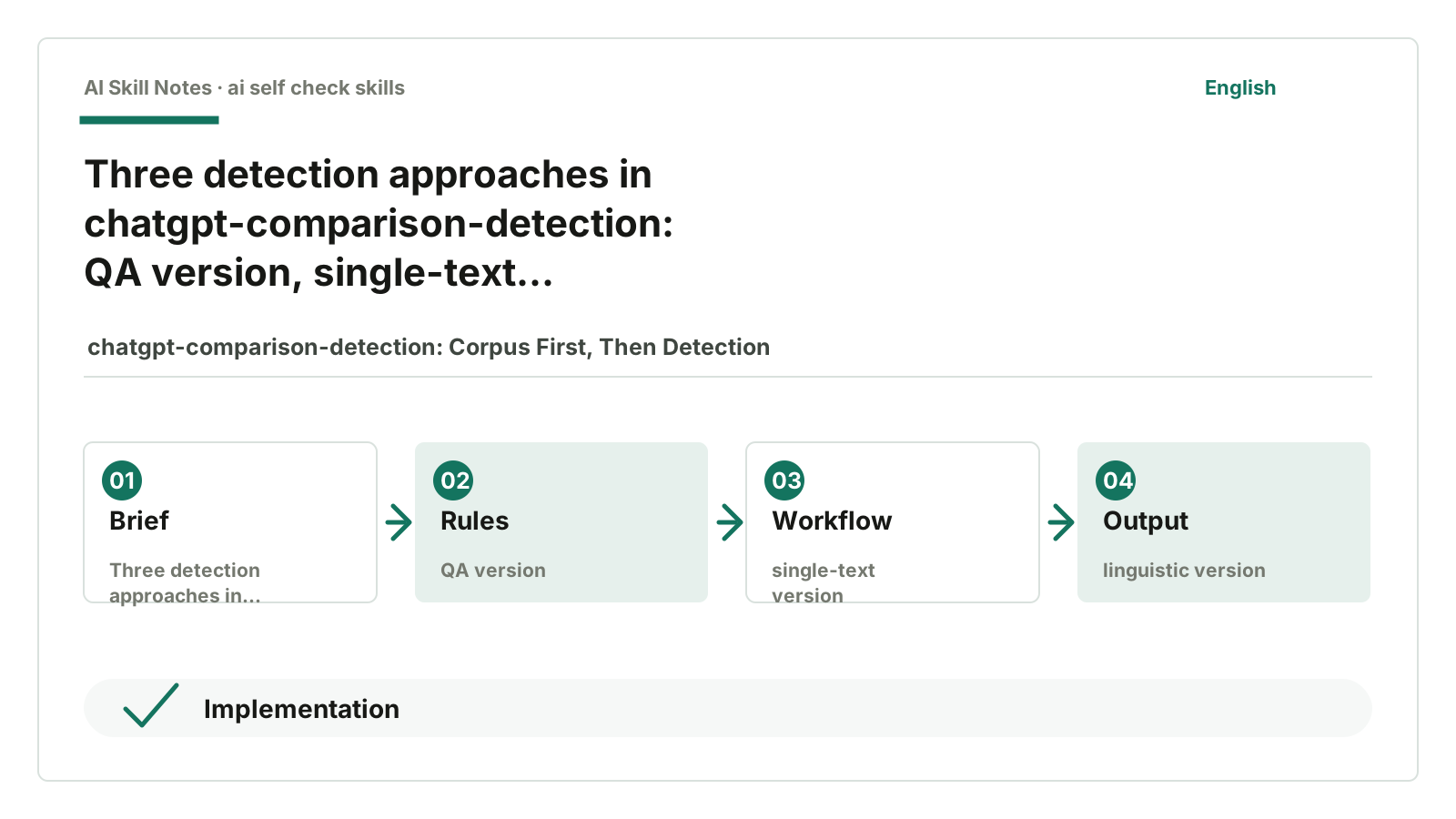
3. It Provides Three Types of Detection Approaches
The README mentions three types of detectors.
The first is the QA version.
It judges by looking at the question and answer together because the same sentence under different questions might feel different.
The second is the single-text version.
It only looks at a piece of text itself to decide if it was generated by ChatGPT.
The third is the linguistic version.
It also looks at some linguistic features and doesn’t rely entirely on large model classifiers.
Putting these three directions together shows that detection isn’t thought of as a simple problem.
If you only look at the text itself, it’s easy to misjudge.
If you only look at the question and answer, it’s not suitable for ordinary articles.
If you only look at linguistic features, it can be bypassed by rewriting.
Detecting AI text is not something a single button can solve.
4. How It’s Done in Code
There is a detect/ directory in the repo.
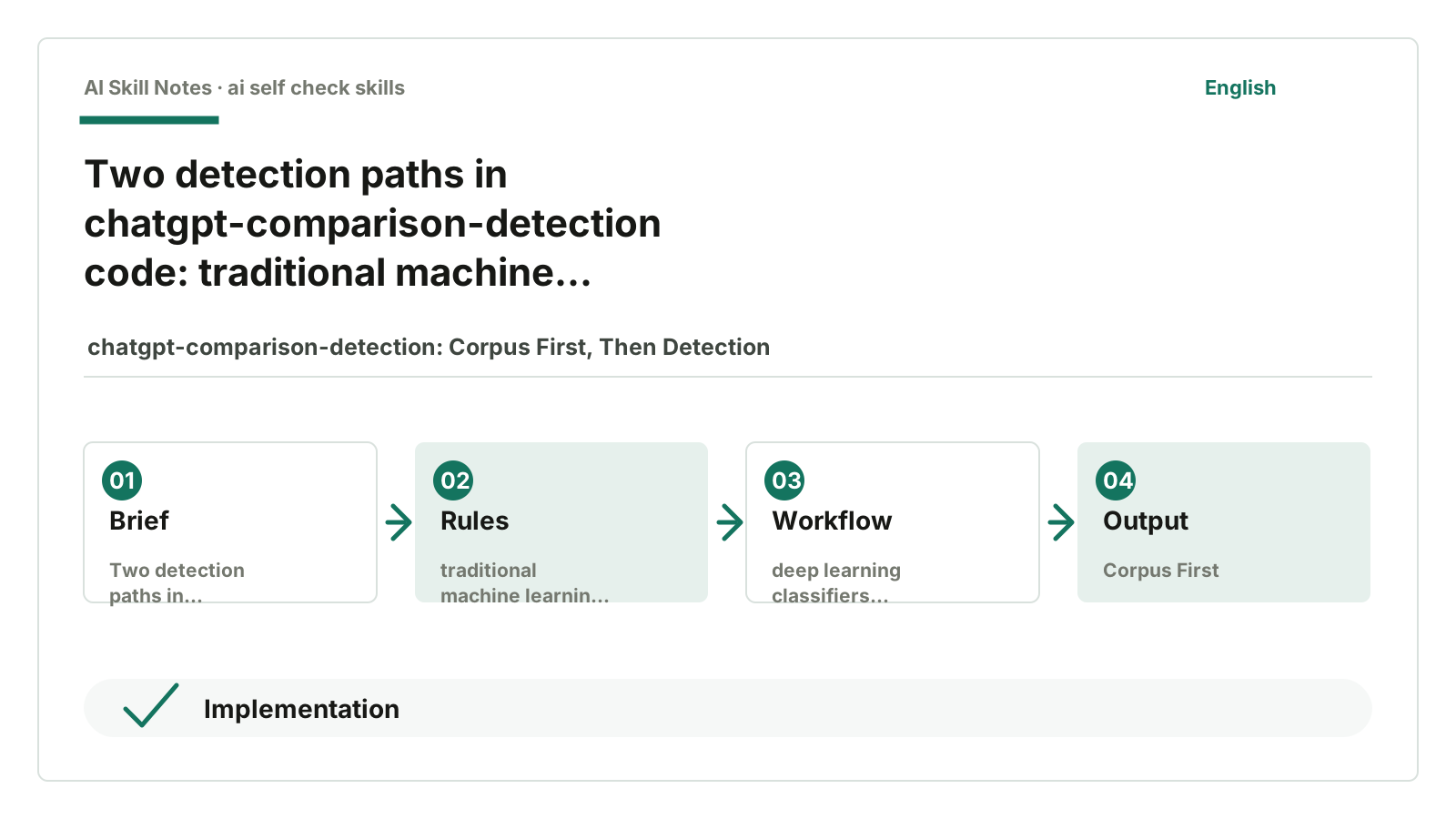
Inside, you can see two types of training methods.
One is traditional machine learning.
For example, ml_train.py calculates features like PPL and GLTR, then uses a classifier to judge.
PPL can be roughly understood as “how fluent the model thinks this passage is.” Too fluent or too predictable can sometimes be a signal.
GLTR looks at the rank of each word in the language model’s prediction. AI-generated text often prefers words that the model thinks are very likely.
The other is deep learning classifiers.
In dl_train.py, it uses Hugging Face’s AutoModelForSequenceClassification, with English models based on roberta-base and Chinese models based on hfl/chinese-roberta-wwm-ext.
This is no longer “rule-based catchphrases.”
It treats human and ChatGPT texts as training samples and lets the model learn the differences itself.
5. What Ordinary Writers Can Learn
Most public account writers probably won’t train a detector.
And they don’t need to.
But this repo offers an idea to borrow: first build your own contrast corpus.
For example, you can save three types of samples for yourself:
- AI drafts that feel fluent but empty.
- Your own revised natural versions.
- Old article paragraphs that readers responded well to.
When you later ask AI to help revise, don’t just say “remove AI flavor.” You can directly show it the contrasts:
Left is the AI style I don’t like.
Right is the public account style I want.
Please revise according to the right side.
This is much more reliable than letting AI guess your style on its own.
6. My Judgment
chatgpt-comparison-detection is not suitable as a plug-and-play writing Skill right now.
It’s an early AI text detection sample library and research code.
But it reminded me of one thing: judging AI flavor can’t rely on feeling alone.
Feeling is useful but needs to be gradually solidified into contrast samples.
The more clearly you can say “which sentence feels AI and why it doesn’t after revision,” the better AI can help you revise.
I put it in the first article because it first lays out the “reference objects.”