When I ask AI to modify code, I often see a familiar process.
It first runs rg.
Opens a few files.
Finds a function jumps to another file.
Searches again.
Reads more.
By the time it starts solving the problem, it has already spent a lot of tool calls just trying to find its way.
If the project is small, this is no big deal. One grep, two or three files, and you can quickly grasp the main thread. But once the project grows a bit, the problem emerges: AI doesn’t know how the code evolved before, nor does it have your mental project map. It can only flip through pages.
CodeGraph addresses exactly this problem.
It’s more like a local code knowledge graph tool, then connected to coding agents like Claude Code, Codex, Cursor, Gemini via MCP.
This article breaks down the core idea behind it: don’t let AI find its way every time from scratch; give it a map first.
1. Admit the Problem: AI Is Too Slow at Finding Code
Imagine a very common question:
How does this request finally get written into the database?
Without CodeGraph, AI usually goes like this:
Find route
Find controller
Find service
Find repository
Find ORM call
Then piece together the call chain
Humans do this too. The difference is, humans often know which directories in the project are most likely to have the answer. AI has no long-term memory of this, so it has to rely on grep, glob, and Read to slowly explore.
CodeGraph’s judgment is simple: since many questions require understanding the structure first, don’t redo that exploration every time.
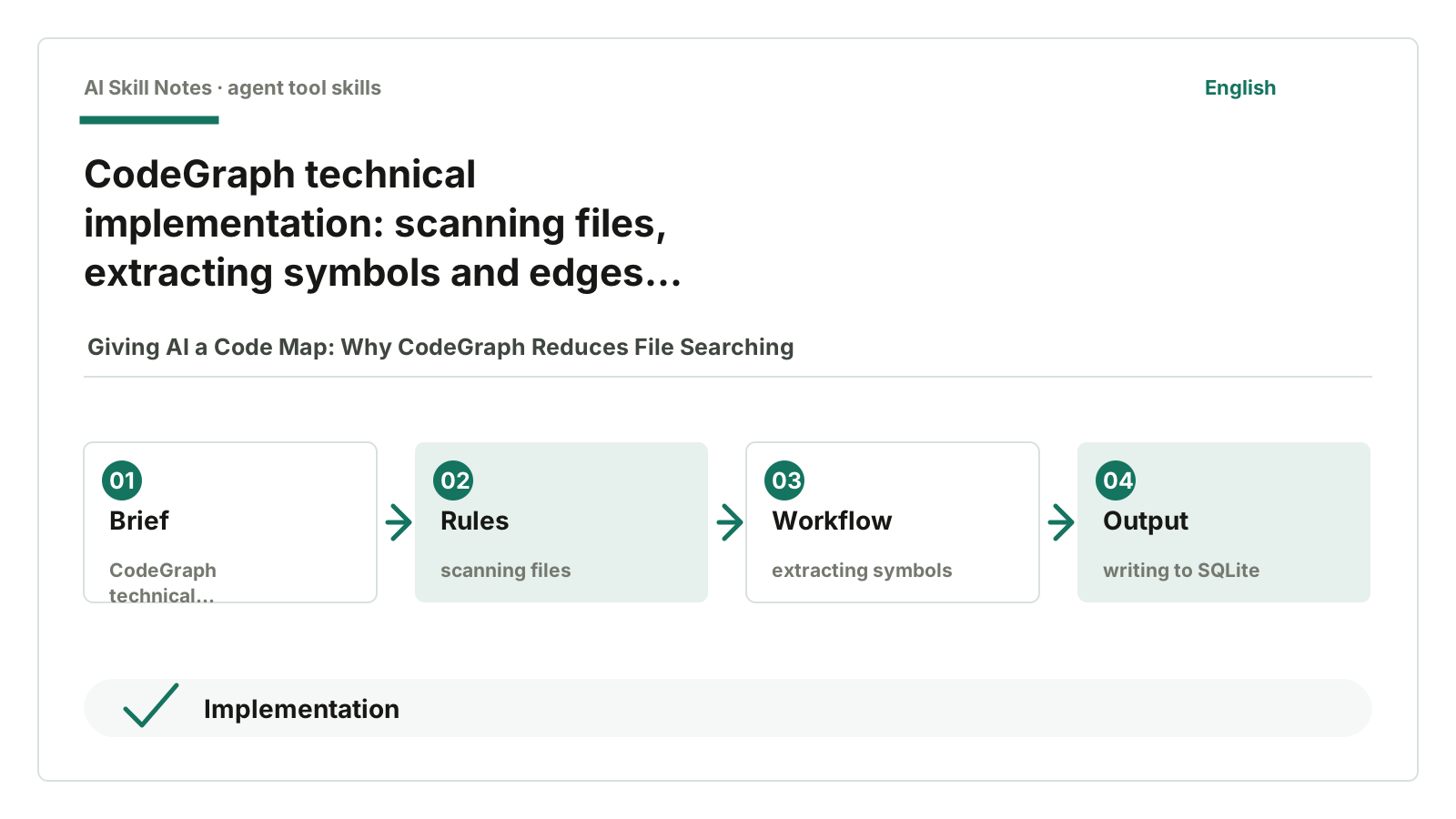
It creates a local .codegraph/ in the project, storing symbols, files, call relations, and references into SQLite. When the Agent wants to understand the structure, it first asks codegraph_explore, then decides whether to open files.
It doesn’t make AI suddenly smarter. It just helps AI avoid unnecessary detours.
2. What Is CodeGraph: Local Code Graph + One Main Entry Point
CodeGraph’s positioning can be put simply:
Calculate the code structure first, then let AI query this structure graph.
It’s different from ordinary full-text search.
Normal search only tells you “which files contain this word.” CodeGraph wants to answer “how these pieces of code connect.”
As an MCP server, it mainly exposes one tool by default:
codegraph_explore
You ask:
How does a request reach the database?
It tries to return three types of information:
- Source code of related symbols, with line numbers.
- Call paths between these symbols.
- What areas might be affected by changes here, i.e., the blast radius.
This design is quite interesting.
Many tools like to split capabilities into a row of buttons: search, node, callers, callees, impact, files. CodeGraph has these too, but it pushes codegraph_explore to the front by default.
Because when Agents face too many tools, they often pick the wrong one first. One main entry point makes it easier to use correctly.
3. How It Works: Parse First, Store Graph, Then Let Agent Query
When reading the source, I break CodeGraph into five layers.
First layer: scan project files.
In src/extraction/index.ts there is ExtractionOrchestrator. It decides which files to parse, skipping dependency dirs, build dirs, cache dirs, and files that are too large.
Second layer: parse source code with tree-sitter.
This step is not regex scanning text. tree-sitter parses source into AST. Different languages have different grammars and extractors to find functions, classes, methods, imports, calls, and other structures.
Third layer: write results into SQLite.
Database schema is at:
src/db/schema.sql
There are several core tables:
nodes
edges
files
unresolved_refs
nodes_fts
nodes stores symbols like functions, classes, methods.
edges stores relations like calls, references, inheritance, containment.
files stores file paths, hashes, languages, and index times.
unresolved_refs stores references not resolved initially, to be resolved later.
nodes_fts is SQLite FTS5 full-text search for fast searching symbol names, signatures, and docstrings.
Fourth layer: resolve references.
Just knowing “this calls foo” is not enough. There may be multiple foos in the project. CodeGraph later resolves calls, imports, inheritance, and special framework connections to link to real definitions.
Fifth layer: provide to Agent via MCP.
In src/mcp/server-instructions.ts there are instructions for the Agent: structural questions should use codegraph_explore first, not grep, and don’t delegate exploration to another sub-agent that only reads files.
This step is crucial. No matter how good the tool is, if AI doesn’t use it, it’s useless. CodeGraph not only provides the tool but tries to change the Agent’s default behavior: ask the graph first, then read files.
4. How to Install and Use
If you just want to try, give the repo URL to AI:
https://github.com/colbymchenry/codegraph
Then say:
Help me install CodeGraph and connect it to the current AI coding agent. Then initialize the index in the current project.
Following the CodeGraph README, it has three steps:
Install CLI
codegraph install
codegraph init
Here you need to distinguish two actions.
codegraph install connects CodeGraph to the Agent. It configures the MCP server so the Agent knows this tool exists.
codegraph init builds the graph for the current project. It creates .codegraph/ and scans the project source.
These two should not be mixed. Installing CLI doesn’t mean the current project has a graph; initializing the project doesn’t mean your Agent will call MCP.
If you ask AI to help install, it’s best to be clear:
Please complete two tasks:
1. Install and configure CodeGraph for the current Agent.
2. Run codegraph init in the current project to generate the .codegraph index.
After installation, you can ask the Agent a structural question, for example:
Use CodeGraph to see roughly which functions a login request passes through from route to database.
If its first reaction is still grep, it means MCP or instructions didn’t take effect. Don’t blame CodeGraph yet.
5. Public Feedback: Clear Benefits, Specific Issues
I looked for public feedback. On X and Chinese communities, you can find some reposts, introductions, and installation notes, but stable, detailed, first-hand long feedback is rare. More valuable feedback is mainly in README benchmarks, English reviews, and GitHub issues.
First, the positives.
The CodeGraph README benchmark compares 7 open-source projects including VS Code, Excalidraw, Django, Tokio, OkHttp, Gin, Alamofire. Their conclusion: on average 58% fewer tool calls, 22% faster, file reads close to zero.
This number shouldn’t be taken as universal. README itself warns that cost savings depend on project size. In small projects, native grep and Read are cheap, so gains aren’t so dramatic.
Third-party reviews focus more on “less detours.” Andrew’s CodeGraph review sees it as a local code graph built from AST + SQLite; Tosea’s installation guide emphasizes less grep, fewer opened files, less discovery work. Their judgments align with my reading of the source: CodeGraph doesn’t make AI smarter, it just moves the “find code” step earlier.
Localization is also a plus. It doesn’t require vector databases, embedding APIs, or uploading code to the cloud. The graph lives locally in .codegraph/ and SQLite. For company projects, this is easier to accept than adding another cloud knowledge base.
But negative feedback is also specific.
GitHub issue #1080 mentions a typical problem: in Codex, after v1.16, frequent codegraph_explore calls made small tasks slower. This shows “query the graph first by default” also has costs. For small projects, small questions, answers already in the current file, reading the file directly might be faster.
Indexing performance isn’t always smooth. GitHub issue #1014 records slow indexing and MCP hang caused by Windows accessing remote macOS SMB shares; GitHub issue #1231 shows slow indexing on Windows with mechanical drives and timeout errors.
Codex integration also had experience issues. GitHub issue #1227 reports the first codegraph_explore took about 45 seconds then returned busy. The tool is meant to save time, but the first call blocking hurts the experience.
Accuracy can’t be taken as absolute. GitHub issue #1187 reports missing some field injection cases in Java/Spring caller results; GitHub issue #1259 shows Go code’s cache.Put("a", 1) misidentified as an HTTP route.
There’s also a problem relevant to Chinese readers. GitHub PR #1262 mentions codegraph_explore returns “No relevant code found” for purely Chinese, Japanese, or Korean symbol queries, though codegraph query and codegraph node can find the same symbol. This is fixed in a PR, but it reminds us: if your codebase has Chinese class names, paths, or business names, test first.
Putting these feedbacks together, I see CodeGraph as a “code map that reduces exploration cost,” not an “always correct code interpreter.”
Its best use is to help AI open fewer files; not to make AI stop reading source code.
6. Two Design Choices Worth Learning
The first design is pushing only one main entry point.
CodeGraph internally has many CLI commands:
codegraph query
codegraph node
codegraph callers
codegraph callees
codegraph impact
codegraph files
codegraph affected
But MCP mainly pushes codegraph_explore. This is not laziness but a judgment about Agent behavior.
If you put ten tools in front of the model, it might try an unsuitable one first, then switch, and eventually fallback to grep. One strong entry point reduces wrong choices.
The second design is admitting indexes become stale.
Code graphs have a natural problem: code changes.
If the Agent just edited a file but the graph isn’t updated yet, the next query might get outdated results.
CodeGraph has several protections for this. README mentions auto-sync: MCP server watches project file changes and does incremental updates. More importantly, a staleness banner: if results reference files not fully synced, the tool warns the Agent to directly Read those files.
This is simple but effective.
Any cache system faces “stale data” issues. Good tools don’t pretend caches are always fresh; they tell you where data might be outdated.
7. How to Build a Simplified Version Yourself
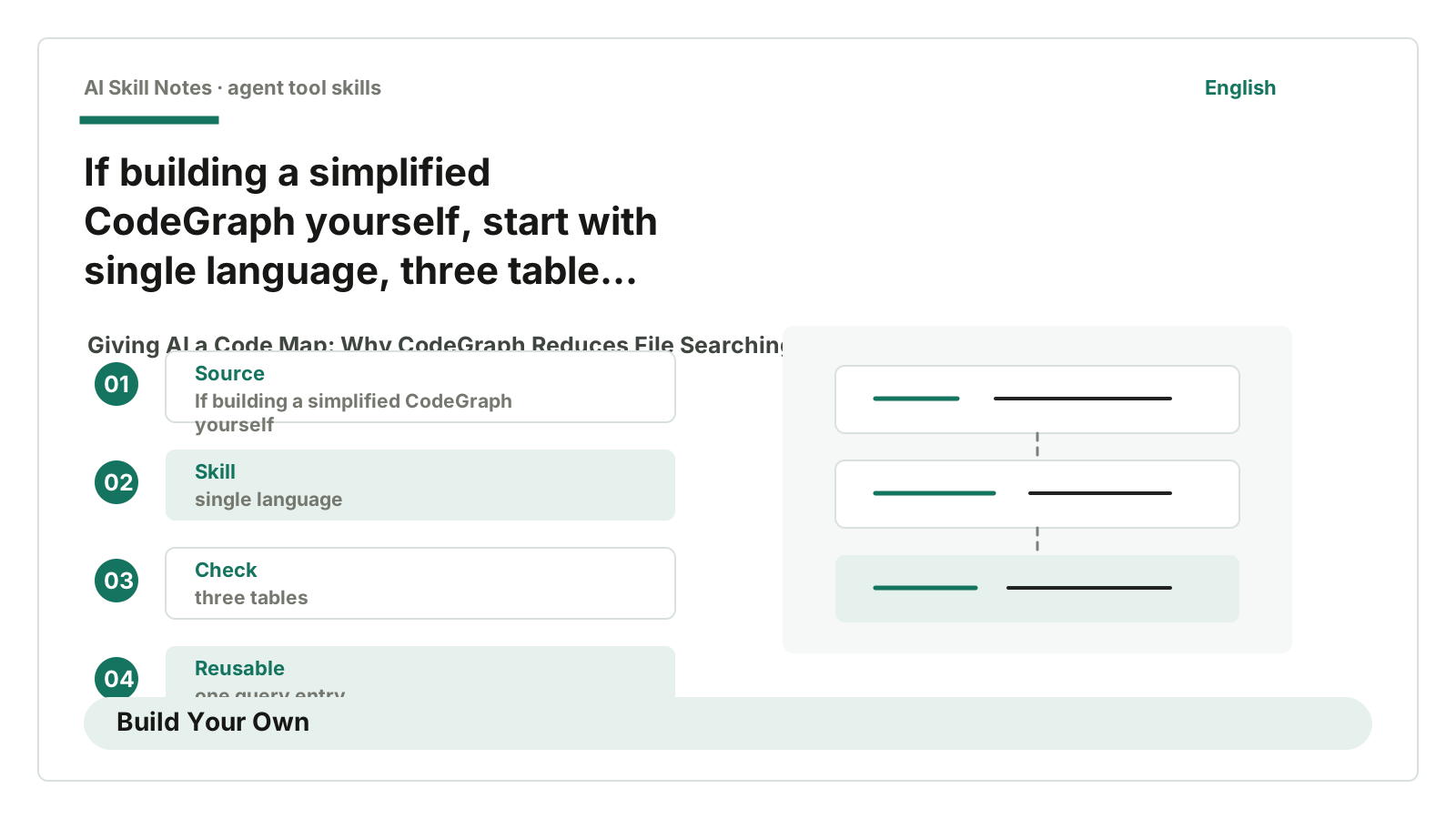
If you want to build a simplified CodeGraph, don’t start by supporting 30 languages.
Start with a very small version.
For example, support only TypeScript, one project, one query type.
Use case:
Help AI quickly understand functions, call relations, and impact scope in a codebase.

Trigger:
User asks "How does X work?" "Who calls X?" "What does changing X affect?"

Input:
Project path, natural language question, function or file name.

Output:
Relevant source snippets, call relations, possibly affected files.

Workflow:
1. Scan .ts files under src/.
2. Parse AST with tree-sitter or TypeScript compiler API.
3. Extract functions, classes, methods, imports, call expressions.
4. Store in SQLite: nodes, edges, files tables suffice.
5. Query by searching symbols, then follow edges for callers/callees.
6. Format source snippets and relations into text the Agent can read directly.

Key constraints:
- All indexes stored locally.
- Return source code with line numbers.
- Warn if indexes might be stale after file changes.
- Mark unresolved relations as best-effort, don’t pretend absolute correctness.

Optional tools:
- tree-sitter.
- SQLite + FTS5.
- MCP server.
- File watcher.
The minimal version can skip MCP.
Start with a CLI:
code-map init
code-map ask "How does login write session?"
Once CLI can reliably return “related source + call chain,” then wrap it as an MCP tool for Agent use. This is more stable.
8. My Judgment: It’s a Map, Not a Judge
The most valuable part of CodeGraph isn’t how many languages it supports.
I value its three trade-offs more.
First, it precomputes code structure instead of making AI explore files every time.
Second, it pushes one main tool codegraph_explore by default, helping Agent take the right path.
Third, it admits indexes become stale and parsing is best-effort.
These three trade-offs matter more than “adding another MCP tool.”
But it’s not a compiler or a test suite. It helps AI find context but can’t prove code correctness.
So I see it this way: CodeGraph is a map, not a judge.
A map helps you get lost less, but can’t tell you if your business logic is right.
If you just want to use it, give AI https://github.com/colbymchenry/codegraph and ask it to install, configure the Agent, and run codegraph init in the target project.
If you want to learn to build one, don’t try to do all languages, frameworks, and scenarios at once. Start with a small code map: nodes, edges, files, one query entry. As long as AI opens fewer files, the tool already has value.