When I use AI to write code, I often encounter a small but annoying issue.
You just ask it: “Why does this React component keep re-rendering?”
It first explains “it might be because a new object reference is created on every render,” then adds “I’d recommend” or “you might want to consider.”
These words aren’t wrong.
The problem is, you already know it’s answering your question—you don’t need it to start with a layer of customer service tone. What you want is the cause and next steps, not emotional value.
caveman addresses exactly this problem. Its README compresses the same React question into one sentence:
New object ref each render. Inline object prop = new ref = re-render. Wrap in `useMemo`.
This sentence is a bit blunt but contains all the information: a new object reference is created on every render, inline object prop triggers re-render, the solution is useMemo.
On the surface, caveman looks like a joke, but the real interesting part isn’t that it makes AI talk like a caveman—it’s that it turns “say less fluff” into a set of executable rules.
1. First Admit the Problem: Why AI Loves to Talk Too Much
Coding agents tend to be verbose by default, which isn’t entirely bad.
They want to be helpful, explain clearly, prevent you from making mistakes, and suggest next steps. So it’s easy for each answer to become a mini manual.
Ask about a bug, it explains the background.
Ask about a diff, it first affirms the overall picture.
Ask about a command, it adds a cautionary note.
Each of these is reasonable alone, but in a long conversation, it becomes exhausting. The real time you spend is fishing out the two useful sentences from a big chunk of text.
So caveman aims not to compress the AI’s brain but its mouth.
This needs to be clear upfront. It doesn’t make the model smarter, nor does it automatically compress the code context you feed in. It mainly changes the final output you see.
2. What is caveman: A Set of Expression Rules for Agents
caveman is a Skill/plugin for AI coding agents. The README is straightforward: it supports Claude Code, Codex, Gemini, Cursor, Windsurf, Cline, Copilot, and over 30 agent installation paths.
Its core file is:
skills/caveman/SKILL.md
The key sentence in SKILL.md is:
All technical substance stay. Only fluff die.
In plain language: keep the technical content, cut the fluff.
It removes things like:
- Polite phrases like
Sure,happy to. - Filler words like
really,basically,actually. - Overly soft phrasing like
you might want to consider. - Unnecessary process reports like “I will now check this file.”
But it clearly protects:
- Code blocks unchanged.
- Commands unchanged.
- API names unchanged.
- File paths unchanged.
- Original error messages unchanged.
- Technical terms not mistranslated.
This is not something a simple “please be concise” prompt can achieve.
Many compression prompts make the mistake of only asking for brevity without telling AI what not to touch. As a result, it might rewrite error messages, omit command parameters, or invent obscure abbreviations to seem shorter.
caveman is very detailed here. It even warns not to shorten config to cfg because tokenizers might not save tokens, and readers have to decode more.
This rule is simple but valuable: shortness is not the goal, less decoding is.
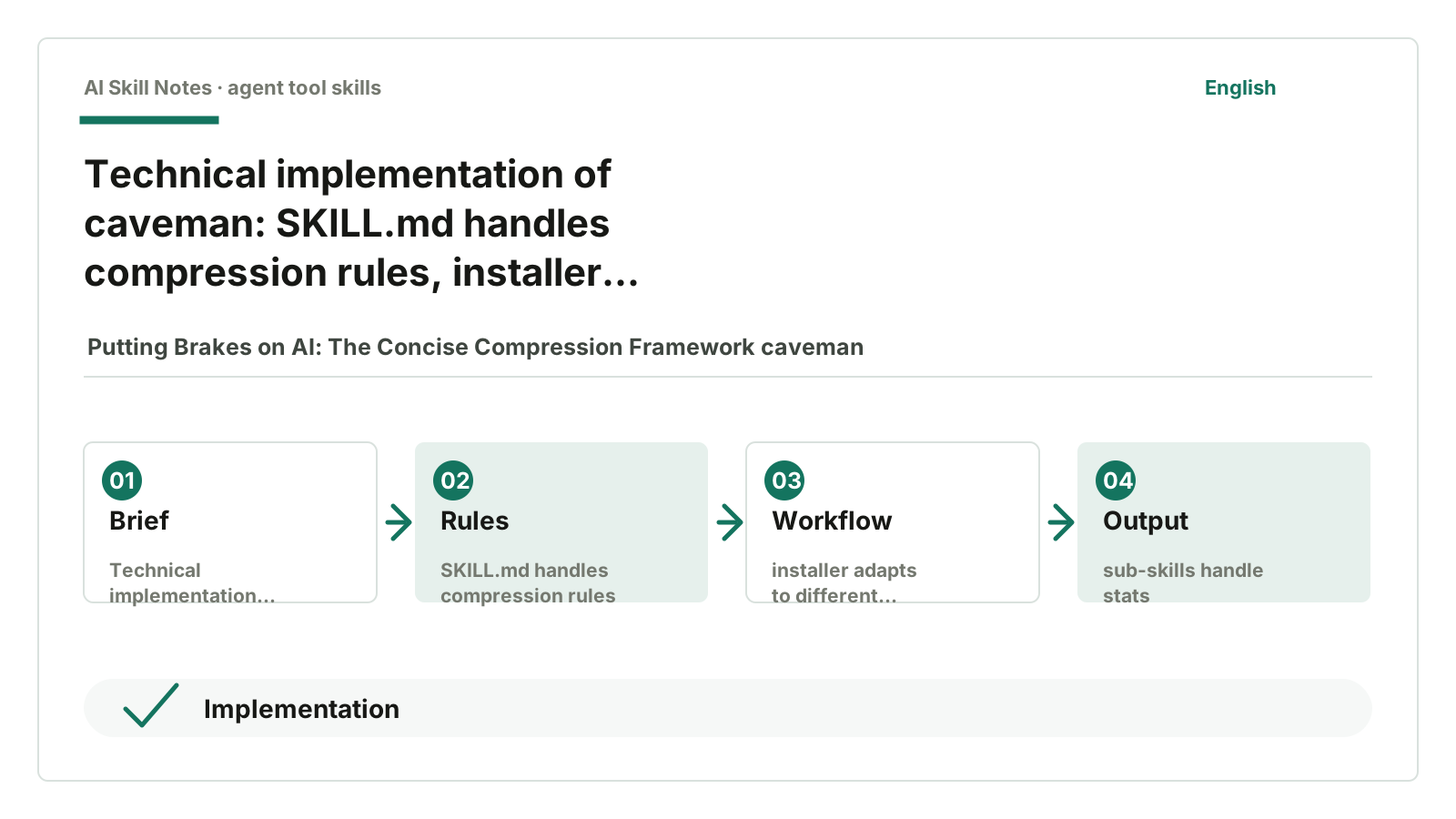
3. How It Works: Three Layers of Rules, Installation Adaptation, and Statistics Scripts
When reading the source, I break caveman into three layers.
The first layer is expression rules.
skills/caveman/SKILL.md defines trigger conditions, compression levels, protected objects, and exit methods. When the user says /caveman, talk like caveman, or less tokens, it enters compression mode; when the user says normal mode, it exits.
It also defines several intensity levels:
lite: removes polite and filler words, sentences still fairly normal.full: default mode, allows short sentences and fragments.ultra: more aggressive, uses one word if possible instead of a sentence.wenyanseries: compresses Chinese expressions further using classical Chinese style.
The second layer is installation adaptation.
The repo has INSTALL.md and bin/install.js. bin/install.js contains a provider matrix to detect which agents are on your machine and follow different installation paths. Some use Claude Code plugin, some Gemini extension, some npx skills add, some write rule files.
This shows the author didn’t just write a SKILL.md and throw it out. They also handle a more practical problem: how others install it, which tool to install into, and how to troubleshoot if broken.
The third layer is auxiliary capabilities.
The repo also has several sub-skills built around caveman:
skills/caveman-review/SKILL.md
skills/caveman-commit/SKILL.md
skills/caveman-compress/SKILL.md
skills/caveman-stats/SKILL.md
caveman-review shortens code review comments.
caveman-commit writes short commit messages.
caveman-compress is special: it doesn’t compress the current answer but compresses natural language memory files like CLAUDE.md. It preserves code blocks, links, commands, and paths, and backs up the original file as .original.md.
caveman-stats is for statistics. It’s not Claude’s built-in /stats, nor does it ask AI to guess numbers in chat. skills/caveman-stats/SKILL.md clearly states the real work is done by a hook script at src/hooks/caveman-stats.js. It reads Claude Code’s session log, counts real output tokens, cache-read tokens, and conversation turns, then estimates savings using benchmark compression ratios.
Here it’s important to separate “real” and “estimated.”
How many output tokens were used is read from local session logs. How many would have been used without caveman is estimated based on benchmarks.
This design is much more reliable than “AI telling you it saved a lot of tokens.” The numbers don’t rely on subjective feelings in chat.
4. How to Install and Use
If you just want to try it, no need to study the installation matrix first.
Give this repo URL to your AI:
https://github.com/JuliusBrussee/caveman
Then say:
Help me install the caveman Skill from this repo and tell me how to enable it in the current AI tool.
That’s enough.
If you want to see the official installation method, the README also provides a one-liner for macOS/Linux:
curl -fsSL https://raw.githubusercontent.com/JuliusBrussee/caveman/main/install.sh | bash
But ordinary users don’t need to memorize commands first. A simpler way is to let your current AI tool read the repo and INSTALL.md, then install according to your environment.
After installation, you can usually enable it like this:
/caveman
Or just say:
Answer in caveman mode, keep it short but don’t change code, commands, or original error messages.
I recommend starting with lite or full. ultra is very short, but if Chinese technical explanations are too fragmented, it can be tiring to read.
5. Public Feedback: What People Like and What Concerns They Have
I looked around for public feedback. On X and Zhihu, there are many shares, introductions, and short reviews, but few stable, detailed firsthand long reviews. The most useful judgments come from Reddit, Hacker News, GitHub issues, Product Hunt, and some independent blogs.
First, the positives.
On the Product Hunt page, caveman’s selling points are clear: less output, easy installation, supports multiple coding agents. This page is more a popularity signal than a deep review, but at least it shows it’s not an unknown project.
More useful are user reports. A Reddit post in r/LocalLLM mentions three points: the installer can auto-detect multiple agents; local model outputs are indeed shorter; in the long run, caveman-compress compressing memory files like CLAUDE.md might be more valuable than just shortening answers.
This matches my impression from the source: caveman’s strongest aspect isn’t just the “say less” rule but also handling installation, statistics, and memory file compression.
Now the controversies.
In a Hacker News discussion, someone pointed out that caveman’s style sometimes lowers answer quality, especially when context is reduced, leading to more misunderstandings. This concern is valid. Technical answers aren’t always better when shorter; if too short to understand, you end up asking follow-ups, which wastes time.
Reddit also has more direct criticism. A post in r/vibecoding argues that in real agent workflows, the main cost isn’t the few natural language output sentences but file reads, tool calls, context, and system prompts. The judgment is harsh but the reminder is right: if you expect caveman to save 75% total cost, you’ll likely be disappointed.
Independent tests support this caution. A JetBrains AI Blog A/B benchmark measured savings not at the advertised 65% but about 8.5%. Alex Rios’s test article points out that much of the savings come from the basic “be concise” instruction; the full caveman Skill’s marginal gains vary across models and tasks.
GitHub issues provide more specific feedback. Issue #145 records a typical scenario: output is indeed shorter in short technical Q&A, but the Skill’s rules add input context, so the net effect may not be cost-effective. Issue #506 reports no credit reduction in VS Code and Copilot scenarios. Issue #550 is more extreme: a user reports that enabling caveman in Cursor actually used more tokens in a comparative task.
Taken together, I’d position caveman as a tool to reduce reading burden by compressing expression, not as a guaranteed token-saving magic wand.
It suits experienced users who want quick conclusions and those annoyed by verbose agents. It’s less suitable for beginners, complex architecture discussions, or scenarios where you want AI to explain full context.
6. It Can Also Lose: Don’t Treat 65% as a Universal Money Saver
caveman’s README shows a set of benchmarks: across 10 prompts, output tokens reduced by an average of 65%, ranging from 22% to 87%.
This number is eye-catching, but the author also clearly states limitations in HONEST-NUMBERS.md.
caveman only reduces output tokens.
It doesn’t reduce your input, context, file content, or model thinking tokens. Worse, the Skill itself must be included in context. The doc estimates this rule adds about 1 to 1.5k input tokens per turn.
This is easy to misunderstand.
It doesn’t mean your bill always adds 1 to 1.5k tokens per turn. Different tools have different caching and billing methods; repeated system prompts may be cache-read with different prices.
More accurate is: the model must “see” this rule every time it answers, or it won’t keep speaking caveman style. So it occupies fixed rule context. It saves output length but doesn’t automatically save input context.
So it doesn’t necessarily save money.
HONEST-NUMBERS.md also lists scenarios where it loses:
- Normal answers are already short, e.g., 150 output tokens.
- Tools charge per request or credit, not per token.
- Some agents’ stats count rule reinjection, retries, and cache calculations, which swallow output savings.
I actually like this part.
A tool willing to tell you when not to use it is more trustworthy than one only shouting “save 65%.”
7. How to Write One Yourself
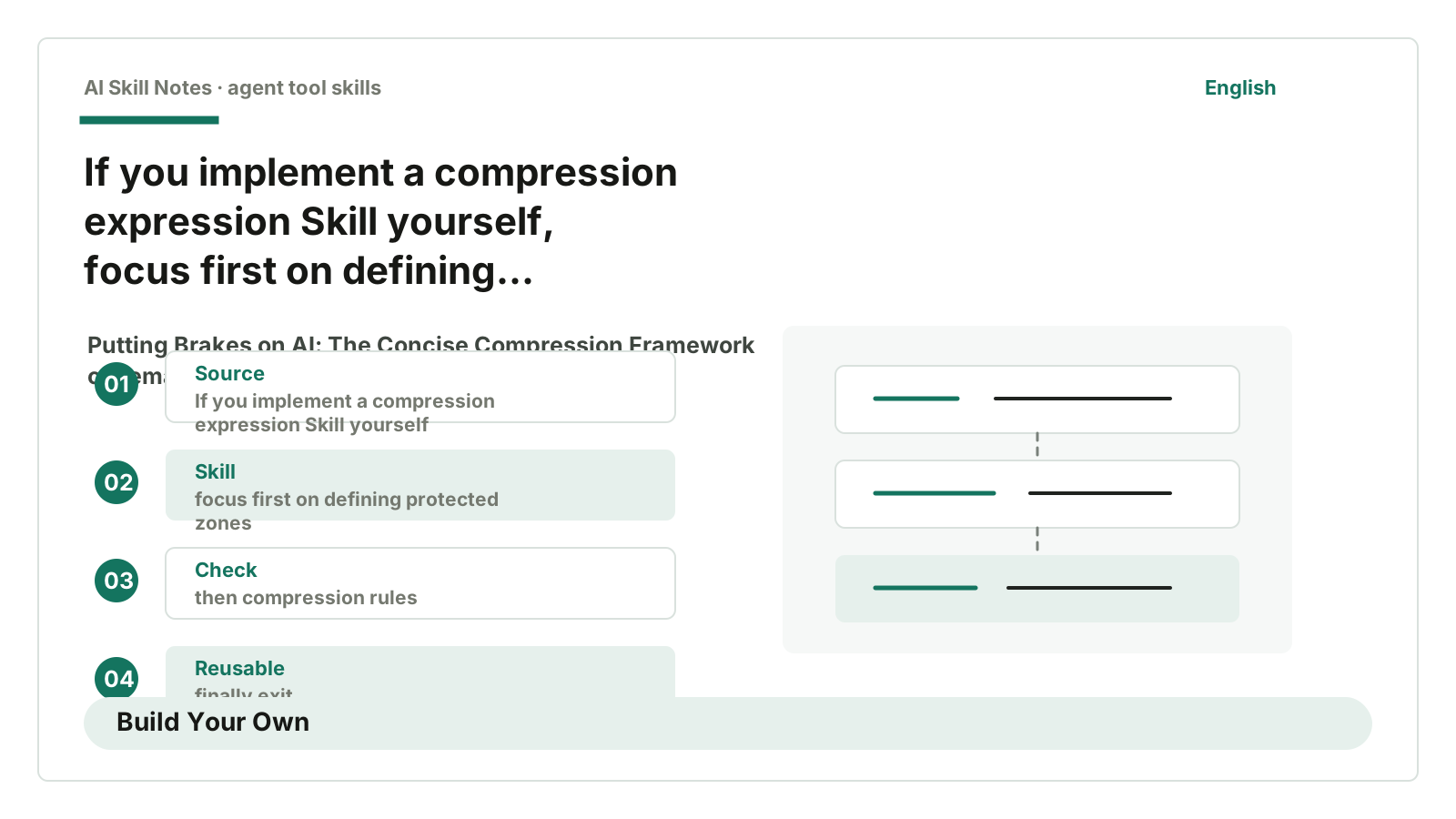
If I were to write a Skill like caveman, I wouldn’t start with “make AI talk like a caveman.”
I’d start with a more ordinary goal:
Make AI’s technical answers shorter without losing key information.
A minimal version might look like this:
Applicable scenarios:
Code Q&A, debugging explanations, PR reviews, commit messages.

Trigger conditions:
User says “short answer,” “less fluff,” “compress output,” “save tokens.”

Input:
User’s question, code snippet, diff, or error message.

Output:
Short answer but keep code, commands, original error messages, file paths, and API names.

Workflow:
1. Determine if it’s explanation, review, commit, or operation confirmation.
2. Shorten as much as possible, first remove polite and filler words.
3. Check for code, commands, error messages and keep them as-is.
4. If involving security or irreversible operations, revert to normal explanation.
5. Don’t add a summary after output.

Key constraints:
- Don’t change code blocks.
- Don’t change commands.
- Don’t change error messages.
- Don’t invent abbreviations.
- Don’t sacrifice execution order for brevity.

Optional tools:
- Token counting scripts.
- Session log reading scripts.
- Markdown file compression scripts.
The most important part here isn’t “short.”
It’s writing the protected zones first.
What can be deleted, what can’t be touched, and when to pause compression. Without these three clearly defined, compression Skills easily erase useful information along with fluff.
8. My Conclusion: Shortness Isn’t the Goal, Less Decoding Is
caveman looks like a joke, but its source code contains many serious elements.
It doesn’t stop at “please be concise.” It breaks conciseness into rules, levels, protected zones, exit conditions, installation adaptation, and statistics scripts.
I might not use the default full mode long-term. If every line in Chinese is compressed into fragments, reading it eventually feels like another kind of AI flavor. But its design approach is worth copying.
A good Skill doesn’t write a long prompt.
A good Skill tells AI what can be saved, what can’t, and when the rules should yield.
If you just want to use it, give https://github.com/JuliusBrussee/caveman to your AI, ask it to install, then try /caveman lite first.
If you want to learn to write one, don’t just say “answer more concisely.” First clearly write three things: what to delete, what to keep, and when to pause compression.
The better AI executes, the more human judgment needs to come first. The real insight caveman leaves is not making AI talk shorter, but turning “how short without losing info” into rules.