Some video tools want to be directors.
Some tools are more like factories.
This difference needs to be clarified first, otherwise it’s easy to misjudge the tool later.
A director needs to understand shots, characters, emotions, and rhythm. Whether to keep a certain action, hold a gaze for half a second longer, or leave a pause after a line—all these are judgments made by the director and editor.
A factory does something else: it runs a fixed process steadily.
Give it a script, materials, voice, and subtitles, and it produces a video following the process. Today it makes 1 video, tomorrow 20, and you can keep going by tweaking parameters.
YILS-LIN/short-video-factory is this kind of tool.
Its Chinese name is “Short Video Factory,” and the README states it plainly: one-click generation of product marketing and general content short videos, desktop-based, runs locally, supports copywriting generation, speech synthesis, video editing, subtitles, and batch processing.
This article won’t package it as an “AI video director.” It’s more like a local short video production line.
Let’s clarify this line first. Used right, it saves time; used wrong, it feels awkward.
1. It Solves Batch Drafts, Not Fine Editing
Imagine a common scenario.
You have a product and want to release a batch of short videos:
Theme: AI Meeting Minutes Tool
Materials: office, meetings, product interface, people working
BGM: several upbeat background tracks
Goal: generate several different versions of product marketing videos daily
If you have someone finely edit each video, the cost is high.
If you let AI generate the entire video directly, it tends to go off track.
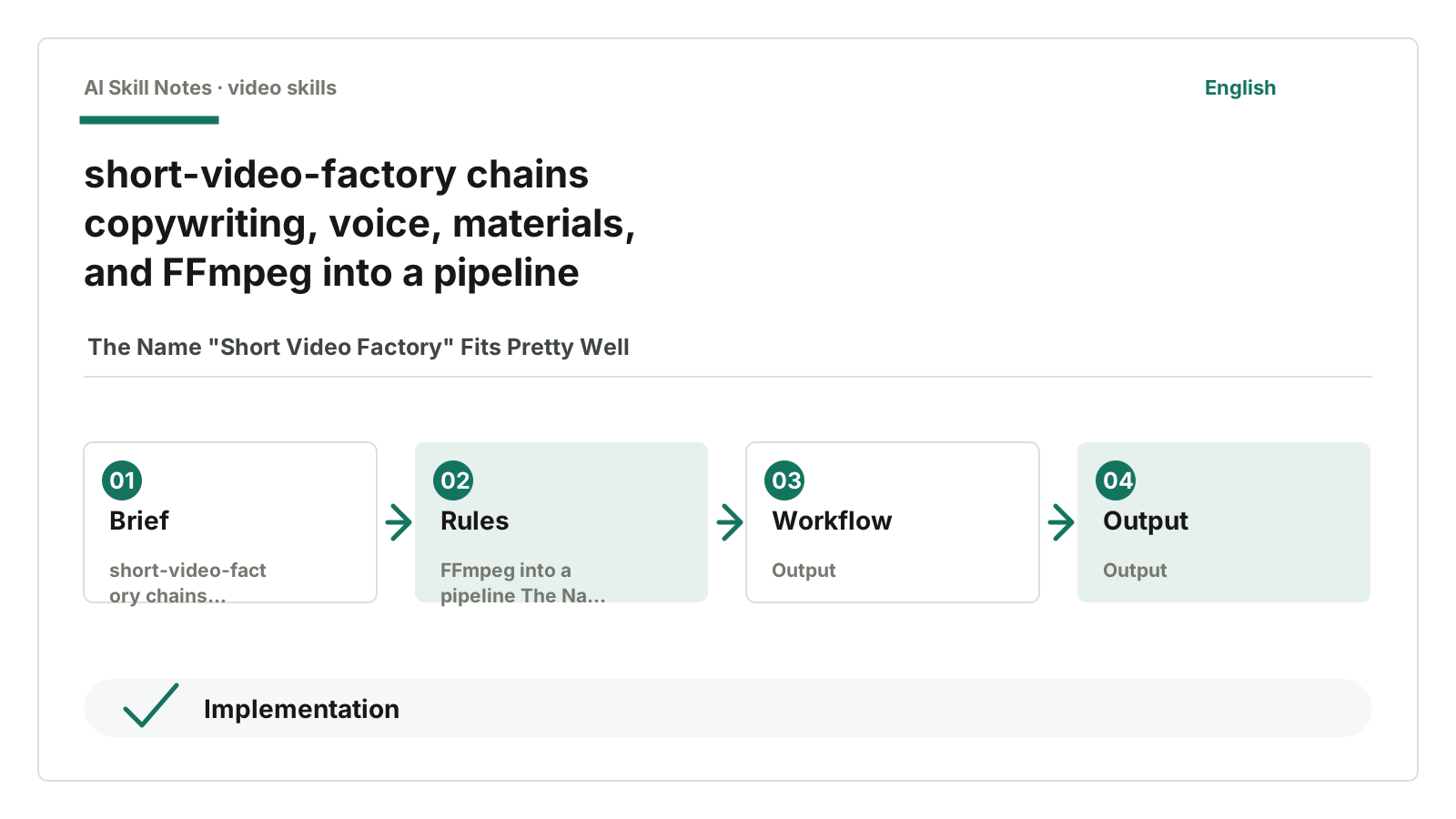
short-video-factory takes a middle path: in a local desktop app, it first lets a large model write the script, then uses TTS to synthesize voice, then randomly extracts video clips from the material library, and finally uses FFmpeg to combine everything.
The source code makes this chain clear.
In src/views/Home/index.vue, clicking render roughly follows four steps:
GenerateText
SynthesizedSpeech
SegmentVideo
Rendering
These four steps form its backbone.
It doesn’t transcribe materials first, analyze voiceover, or confirm editing strategies like video-use. It also doesn’t research product positioning, break down reference videos, or apply quality gates like product clips Skill.
It’s simpler and more direct.
It fixes the production process so ordinary users can run it on the desktop.
2. Copywriting Generation: Connects to OpenAI-Compatible Interfaces
The first step is copywriting.
In src/views/Home/components/TextGenerate.vue, it uses @ai-sdk/openai. Users can configure three things:
apiUrl
apiKey
modelName
This means it’s not locked to a specific model service. As long as your service is compatible with the OpenAI interface, it can connect.
Currently, the code doesn’t have complex system prompts. It mainly sends the user’s input prompt to the model, then uses streamText to stream the generated content to the interface.
The advantage here is flexibility.
If you want to do product marketing, you can write product selling points; if you want healing quotes, you can specify tone; if you want knowledge short videos, you can have the model generate a narration segment first.
The boundaries are clear.
Copywriting quality depends on your prompt and the model itself. This project doesn’t embed a heavy editorial process for topic selection, scripts, or viral structures. It leaves “what to write” to the user and the large model.
So if you want to use it well, it’s best to prepare your own set of copywriting prompts rather than just writing “generate a product promotion video script.”
3. TTS: EdgeTTS Handles Voice and Subtitles
After generating the script, the second step is voice.
In electron/tts/index.ts, it connects to EdgeTTS.
It synthesizes text into MP3. If subtitles are enabled, it also generates an SRT file with the same name.
Two details in the code are worth noting.
First, it uses music-metadata to parse the synthesized audio duration. If the duration can’t be obtained or is zero, it throws an error. This check is necessary because the length of video materials must follow the voice duration.
Second, temporary voice and subtitle files are stored in the app’s temp path and cleaned up on exit. This is the kind of dirty work desktop tools should handle.
From the Skill’s implementation, the takeaway is: don’t treat TTS as a black box that just “generates voice.” You need at least three results:
voice file
subtitle file
audio duration
Without audio duration, the following editing can’t be calculated.
4. Material Selection: Mainly Random Clip Extraction by Duration
The third step is materials.
In src/views/Home/components/VideoManage.vue, users select a material folder, and only .mp4 files are filtered.
When rendering, it calls getVideoSegments based on TTS duration.
This logic is straightforward:
- Minimum clip length: 2 seconds
- Maximum clip length: 15 seconds
- Randomly select from the material list
- For each material, randomly pick a start/end
- Keep adding clips until total length covers voice duration
There’s no semantic understanding of visual content in the code.
This is not criticism. It’s a factory.
If your material library is already organized by theme, like all coffee shops, product close-ups, office scenes, then random clip extraction can quickly produce a batch of usable drafts.
If the library is mixed with meetings, cats, beaches, and code screens, it will still randomly pick clips. The weird results aren’t entirely the tool’s fault.
This tool requires users to manage their material libraries well first.
5. Assembly: FFmpeg Is the Final Assembly Line
The last step is in electron/ffmpeg/index.ts.
It uses ffmpeg-static, so the desktop app carries FFmpeg and doesn’t require users to configure FFmpeg on their system.
During assembly, it roughly does:
read multiple video clips
trim each clip
scale to target size
pad edges
concat clips
burn subtitles
normalize voice
normalize BGM
mix voice and BGM
output MP4
Here you can see it’s not just a pure frontend shell.
Electron handles desktop capabilities, Vue handles the interface, TTS and FFmpeg run locally, and configuration and state are stored locally. It really turns the short video production chain into a runnable app.
Of course, its assembly strategy is quite simple.
For example, material selection is mainly random and duration-based, without automatically judging which shot fits which line best; transition effects are not a focus. Some GitHub issues have asked about adding simple transitions, which fits its usage scenario.
6. Public Feedback: Users Want Smarter Materials and Voice Control
As of July 17, 2026, GitHub API shows: 4401 stars, 641 forks, and 25 open issues. This is a high level of attention among Chinese open-source video tools.
More interesting are the directions users suggest in issues.
issue #57 mentions custom voice tones, issue #60 mentions support for local voice deployment, issue #71 suggests integrating FunASR/SenseVoice for speech recognition and subtitle generation.
These show users want not just “voice,” but more controllable voice.
Materials are evolving too. PR #72 mentions integrating TwelveLabs smart editing to match materials by script semantics. This direction complements the original random clip extraction’s weakness.
There are also issues like #69 about rendering failures. Video tools are like this: with many users, system, material formats, paths, and encoding issues emerge.
These kinds of feedback are more valuable than just “easy to use” or “powerful.” They tell us: after the Short Video Factory runs, the next steps naturally go toward two things.
One is smarter material matching.
Two is more controllable voice and subtitles.
7. How to Install and Use
The repo is here:
https://github.com/YILS-LIN/short-video-factory
Regular users can check Releases and download the desktop app.
If you want AI to help install, give it the GitHub URL and say:
Help me install short-video-factory.
I want to first generate a product marketing short video using the simplest desktop method.
On first use, don’t just throw in a bunch of random materials.
Prepare a small material library first:
Material folder:
- 10 product interface screen recordings
- 10 office/meeting/work B-roll clips
- 2 BGM tracks

Copywriting prompt:
Generate a product marketing short video narration under 40 seconds.
The product is an AI meeting minutes tool.
The audience is team leaders who often hold meetings.
Tone should be natural, not like an ad.
Run one video first and see if the generated script, voice, subtitles, and material splicing are acceptable.
Then consider batch processing.
Don’t expect “one-click perfection” from this kind of tool right away. Get the process running first, then gradually add material tags, copywriting templates, voice styles, and covers.
8. How to Implement Your Own
If you want to write a “Short Video Factory Skill,” you can follow this structure:
Use case:
Batch generate product marketing, quotes, and general content short video drafts.

Inputs:
- Copywriting theme or product selling points
- Material folder
- BGM folder
- TTS voice
- Output size
- Output path

Workflow:
1. Generate copywriting
2. Synthesize voice
3. Generate SRT subtitles
4. Read audio duration
5. Select clips from material library
6. Use FFmpeg to trim/scale/pad/concat
7. Burn subtitles
8. Mix voice and BGM
9. Output MP4

Key constraints:
- Prompt user to prepare material library if none
- Don’t claim "understand visuals" when randomly selecting clips
- Check audio and video duration before output
- Expose FFmpeg errors to users on render failure
To upgrade, add three layers of capabilities.
First layer: material tags.
Tag each clip with labels like office, product interface, people working, relaxed mood so sentences in the script can match materials.
Second layer: visual understanding.
Connect video understanding models or services like TwelveLabs to move material selection from random to semantic matching.
Third layer: quality checks.
At least check if output MP4 exists, duration matches voice, subtitles are generated, and audio is not empty.
With these three layers, it moves from “can batch assemble” to “more like controllable production.”
9. My Judgment
The strengths and boundaries of short-video-factory are in its name.
It’s suitable as a factory: fixed process, batch drafts, local synthesis.
It’s not suitable as a director: complex storytelling, precise shots, emotional rhythm, character actions—these are better left to more detailed editing workflows.
This is not shameful.
Many content productions don’t start as high-quality products. You first need a repeatable production line, then decide which parts need manual fine-tuning.
If you just want to use it:
Prepare a clean material folder, run a product marketing video with a small amount of material, then try batch processing.
If you want to learn to write one:
Don’t write “automatic short video generation” as a big claim. Break down copywriting, voice, subtitles, material clips, assembly, and checks into a pipeline.
How You Can Write Your Own Skill
Use case: batch generate product marketing, quotes, and general content short video drafts.
Trigger: user has material library, BGM, and copywriting theme, wants to batch generate multiple short videos.
Inputs: prompt, material folder, output size, BGM folder, TTS voice, output path.
Output: MP4 with voice, subtitles, and BGM.
Workflow: generate copywriting, synthesize voice and subtitles, extract video clips by voice duration, assemble with FFmpeg.
Key constraints: don’t pretend to understand material content; random clip extraction suits batch drafts, not fine editing.
Optional tools: OpenAI-compatible interfaces, EdgeTTS, FFmpeg, SQLite, Electron, material semantic search services.
Possible improvements: add material tags, visual recognition, shot deduplication, Chinese platform subtitle styles, and automatic cover generation.