The previous articles have been about video generation.
This one goes the other way.
bkingfilm/lapian-notes is about watching videos, breaking them down, and learning from them.
Its Chinese name is “拉片笔记” (Shot-by-Shot Notes). The name fits perfectly.
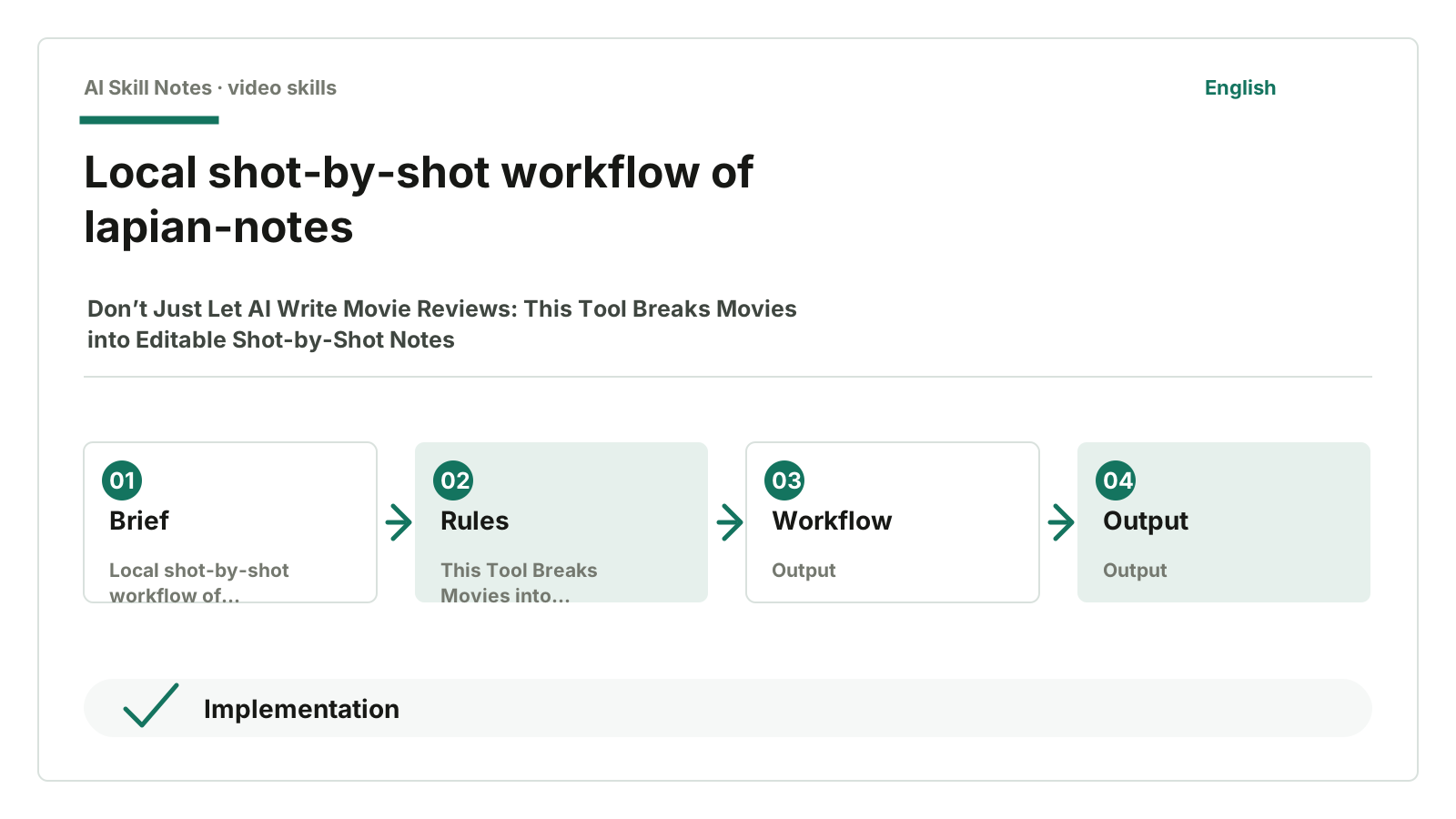
You import a movie, it extracts frames locally, processes subtitles, and generates an AI analysis package. You give this ZIP to AI like ChatGPT, which returns JSON based on the prompts and schema inside. Then you import the JSON back into the tool, and the page shows a plot swimlane timeline, structure tree, audience emotion curve, and segment notes.
This is not about “letting AI write me a movie review.”
Movie reviews are too vague. A few sentences on themes, characters, audiovisual language—readable as a whole but impossible to trace back to specific shots.
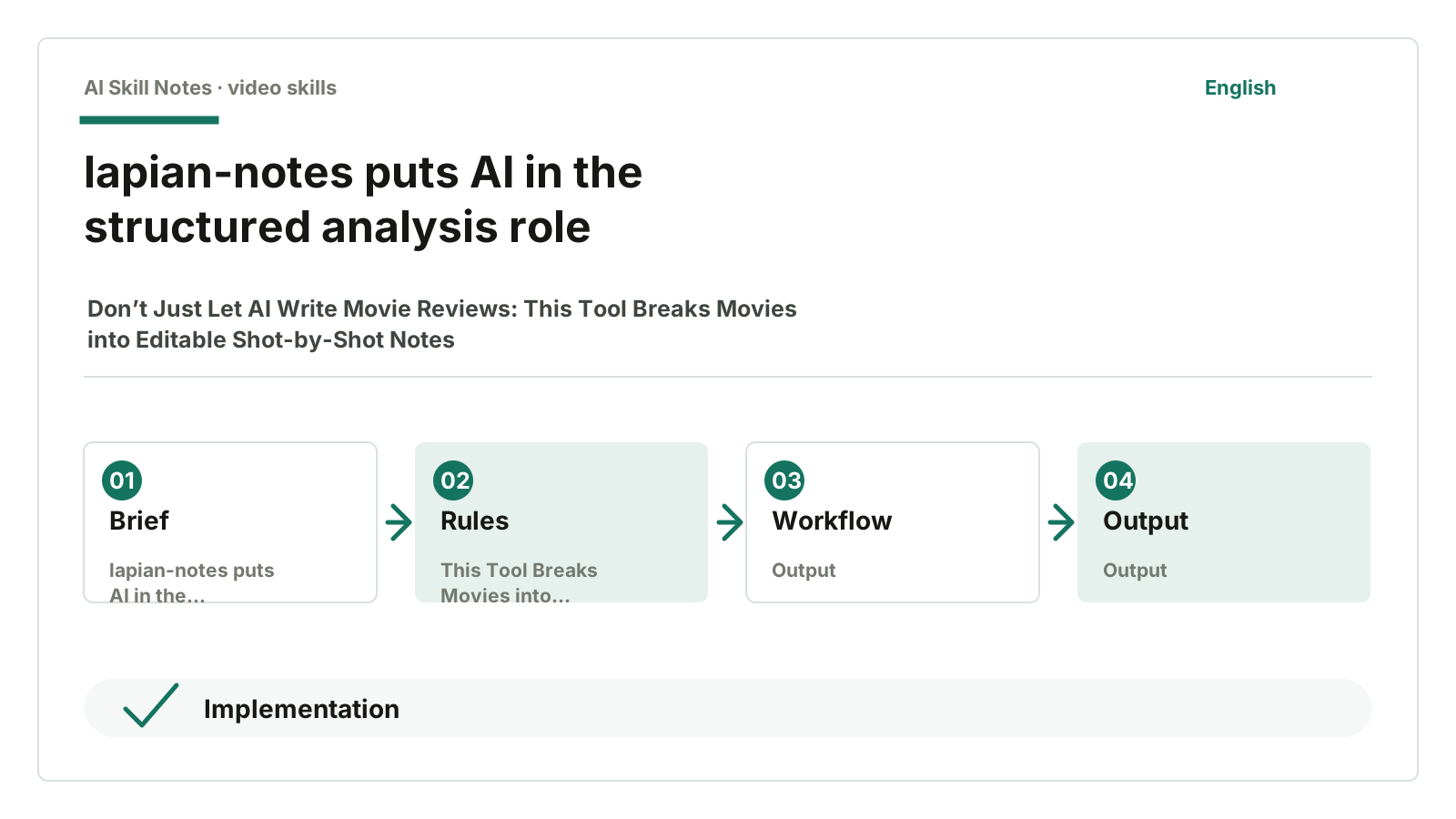
lapian-notes takes a more solid approach: first break the movie into materials, then let AI analyze structurally, and finally do manual refinement in the player.
1. It First Turns the Movie into Operable Materials
The hardest part of shot-by-shot analysis isn’t writing opinions.
It’s locating.
You see a good segment and want to analyze how it builds emotion. But questions arise: When does this segment start and end? What shots are included? How do subtitles align? How does this subplot cross with the main plot? Can you jump back to it later with one click?
If you just let AI watch the whole movie and write a summary, you lose all that.
lapian-notes first prepares local materials.
The README clearly states:
- Extract frames every 1 second to create a movie timeline
- Automatically match subtitles or search online
- Package screenshots, subtitles, and schema into an AI analysis package
- Import AI-returned JSON
- Generate plot swimlanes, structure trees, emotion curves
- Support player linkage and manual fine-tuning
On GitHub as of July 17, 2026, it has 360 stars, 48 forks, and 0 open issues. Not very popular, but the direction is unique.
It serves a different need: systematically learning how a movie is constructed.
2. The AI Analysis Package Is the Key Design
The most important source file is src/lib/framePackage.ts.
This file exports the AI analysis package.
The package contains:
README.md
prompt.md
schema.json
project.json
frames/
subtitles.srt
subtitles.json
It also generates an opening instruction:
Unzip this ZIP and strictly analyze the movie according to the prompt.md inside,
refer to frames/ screenshots and subtitles.srt,
finally output only a JSON file conforming to schema.json,
do not output anything other than JSON.
This sentence looks ordinary but is very important.
Many people use AI to analyze videos by just throwing the question:
Help me analyze the structure of this movie.
AI will write. It’s very good at writing.
But the output is hard to import back into tools and hard to align with the timeline. You get a piece of text, not editable data.
lapian-notes first defines the output format.
schema.json constrains AI to return:
movieIdentity
segments
storyLines
macroAnalysis
audienceCurvePoints
Each segment must have fields like startTime, endTime, title, screenplayDraft, segmentFunction, screenplayBlocks, techniques, confidence, etc.
This pulls AI back from “free-form movie review” to “submit homework in the right format.”
3. Why Import JSON Back
After AI analysis, the next step isn’t copying a text article.
You import the JSON back into the tool.
src/lib/aiImport.ts handles this.
It parses the AI-returned JSON and normalizes several parts:
- Recognizes
macroAnalysis - Reads
segments - Reads
storyLines - Reads
audienceCurvePoints - Processes single segment deep dives
- Validates movie identity
- Sorts segments by time
Validating movie identity is crucial.
The source extracts movie title, source video name from fields like movieIdentity, project, metadata, then compares with the current project info. If they don’t match clearly, it throws an error.
This prevents a common mistake: importing AI results from movie A into movie B’s project.
This detail shows it’s not just a casual AI tool. It knows AI output can be unstable, users can mix files, movie versions differ, so it builds safeguards at import.
4. Someone Has to Do the Dirty Work of Subtitles and Transcoding
If a shot-by-shot tool only does “AI analysis,” it will hit walls quickly.
What if video formats aren’t compatible?
What if subtitles are missing?
What if subtitles don’t match the length?
lapian-notes has two local plugins.
One is subtitle-server-plugin.ts.
Because browsers can’t fetch subtitles directly due to CORS, it opens a local interface in the Vite dev server to search, download, unzip, and convert subtitles from ASSRT to UTF-8.
It also compares the last subtitle timestamp with the video length. If the difference is over 6 minutes, it rejects the subtitle.
This rule is simple but effective.
Wrong subtitle versions are worse than none because AI will take wrong subtitles as truth, skewing the whole structure.
The other is transcode-server-plugin.ts.
Formats like RMVB, AVI, HEVC that browsers can’t play directly can be transcoded locally with FFmpeg into H.264/AAC MP4, extracting embedded subtitles.
These aren’t glamorous features.
But shot-by-shot analysis depends on this dirty work.
5. It Puts AI in the Right Place
One thing I like about this project is it doesn’t let AI take over everything.
What does AI do?
Segment paragraphs based on screenshots and subtitles
Identify storylines
Write structural analysis
Generate audience emotion curves
Provide audiovisual techniques
What does the local tool do?
Extract frames
Process subtitles
Cache screenshots
Package prompt and schema
Import JSON
Validate identity
Link with player
Manual editing
Export Markdown
This division feels comfortable.
AI excels at structured understanding and first-draft analysis, but it’s not suited to manage your movie files or make final judgments.
The tool prepares materials, sets boundaries, imports results, and leaves room for manual refinement.
This is more trustworthy than “AI automatically analyzes the movie.”
6. How to Install and Use
The repo is here:
https://github.com/bkingfilm/lapian-notes
The README is user-friendly.
On Windows, double-click:
run.bat
On Mac, double-click:
run.command
The first launch automatically prepares the environment and components, and opens the tool page in a browser.
If you want AI to help install, give it the repo URL and say:
Help me install and start lapian-notes.
I want to import a movie, generate an AI analysis package, then import the results back into the tool.
Usage roughly involves four steps:
Import the movie
Send the AI analysis package to AI
Import the AI-returned JSON
Fine-tune with the player
A reminder: this kind of tool is better suited for movies you have legal access to and plan to analyze seriously. Don’t use it for piracy or unauthorized distribution.
7. Public Feedback: The Project Is Small but User-Friendly
I didn’t find many stable, detailed user reviews.
This project currently feels like a set of tools built around the specific need of “shot-by-shot analysis.” The README includes a Discord community, Twitter, download links, and one-click start instructions, and clearly states all data is stored locally; no movies or notes are uploaded to any server.
For projects like this, I focus on two things.
First, does it lower the entry barrier for non-technical users? run.bat, run.command, automatic environment setup—all help.
Second, does it import AI output back into the workflow? framePackage.ts and aiImport.ts are its core.
Just exporting for AI analysis isn’t enough. Being able to import back and continue editing makes it a real tool.
8. How to Build Your Own Version
This project’s structure can be adapted to many content analysis tasks.
For example, course breakdowns, ad analysis, product launch reviews, competitor video research.
A minimal version might look like this:
Use cases:
Analyze long videos, movies, courses, ads, or launches.

Inputs:
- Video file
- Subtitles
- Frame extraction interval
- Analysis goals
- Output schema

Workflow:
1. Extract frames locally
2. Read or search subtitles
3. Generate frames/ and subtitles.srt
4. Write prompt.md
5. Write schema.json
6. Package into ZIP
7. Send to AI for analysis
8. Import JSON back
9. Validate project identity
10. Manually refine on timeline

Key constraints:
- AI writes only based on images and subtitles
- No fabricating character names, locations, motives
- Validate movie identity on import
- Timeline must support jumping
- Output must be editable
This approach isn’t just for movies.
For course notes, you can extract frames by chapter, match subtitles, and have AI return a knowledge tree; for ad analysis, AI can return shots, copy, emotion curves, and selling point structures; for product launches, AI can break down features, demos, and audience reactions along the timeline.
The core is the same: prepare materials first, constrain output, then import back for editing.
9. My Take
The most interesting thing about lapian-notes isn’t “AI analyzing movies.”
That’s too broad and anyone can claim it.
Its value is in the workflow: local material prep, AI-generated structured results, and tool import for continued editing.
This is more practical than just letting AI write a movie review.
Reviews are one-off texts.
Shot-by-shot notes are a workspace you can revisit repeatedly.
If you just want to try it:
Start with a movie you know well. Don’t jump into very long or messy subtitle versions. Run through frame extraction, analysis package, and JSON import first.
If you want to learn to build it:
Remember this structure: material package + prompt + schema + importer. Prompt alone isn’t enough.
How You Can Write Your Own Skill
Use cases: analyze long videos, movies, courses, ads, or launches.
Trigger: user provides a video and wants to break down structure, rhythm, shots, or generate study notes.
Inputs: video file, subtitles, frame extraction interval, analysis goals, output schema.
Outputs: structured JSON, timeline, segment notes, Markdown, long images, or project packages.
Workflow: extract frames locally, read/search subtitles, package frames and subtitles, send to AI for analysis, then import back for refinement.
Key constraints: AI writes only based on images and subtitles; no fabricating names, locations, motives; validate movie identity and timeline on import.
Optional tools: FFmpeg, browser local storage, IndexedDB, subtitle search, React/Vite, any AI that can read ZIP.
Possible adaptations: apply this “local material prep + AI structured analysis + import for editing” model to course breakdowns, ad analysis, and competitor video research.