I’ve seen many AI-made product videos, and the problems are mostly the same.
The visuals are there.
The subtitles are there.
The voiceover is there.
But it still looks like a PowerPoint: a few cards moving around, a little light effect, some particles, plus a very stiff narration. It’s not completely useless, but it falls short of a proper product video.
That gap can’t be filled by just one sentence of “more advanced” tech jargon.
A product video first needs to answer some very basic questions:
Who exactly is the product for?
What are the user’s pain points?
What is this video supposed to prove?
What real screenshots, features, or workflows can serve as evidence?
What is the shot grammar of the reference videos?
Does the voiceover sound natural?
Are there any missing subtitles?
Does the final video have black screens, silence, or frozen frames?
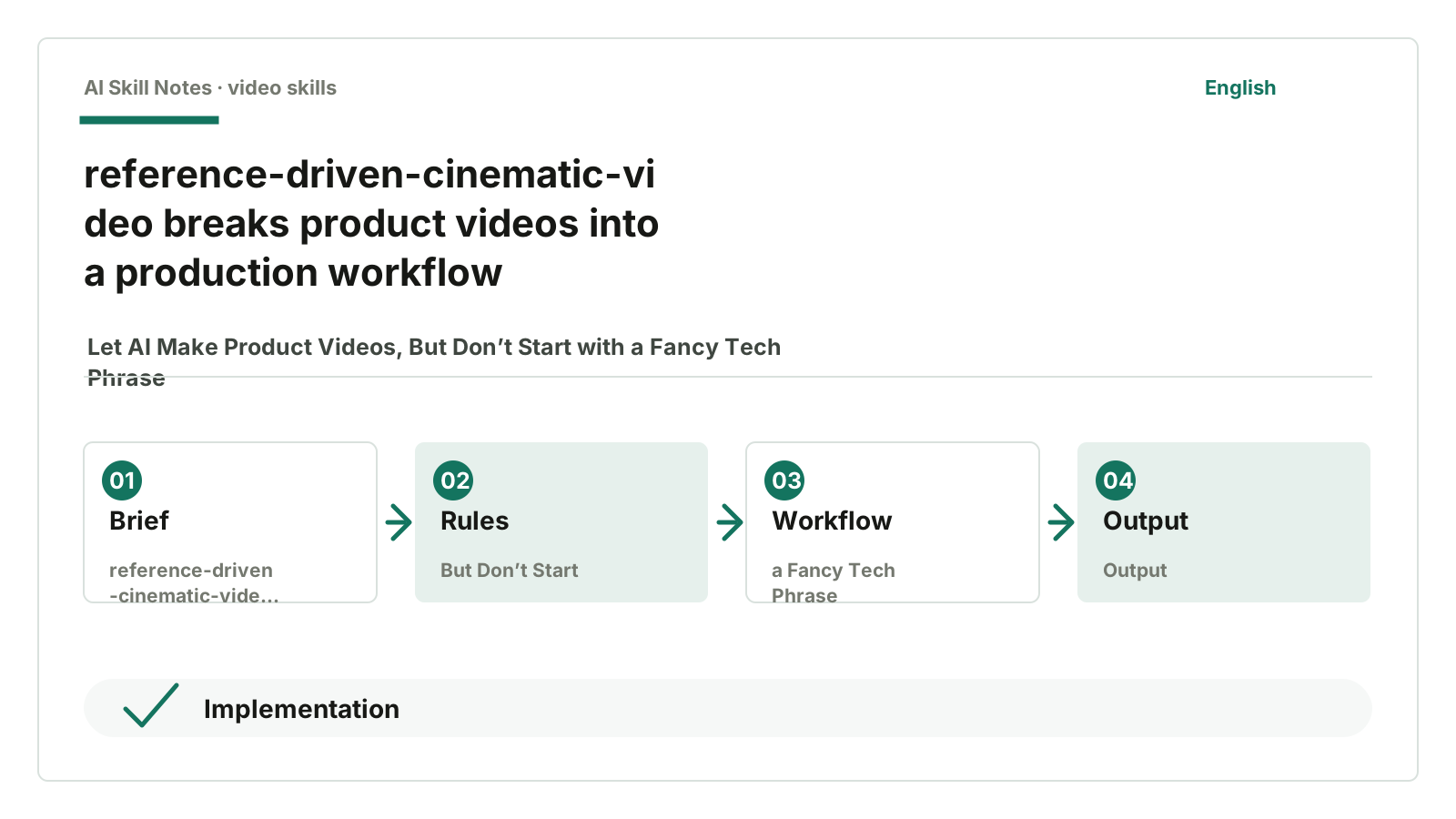
siuserxiaowei/reference-driven-cinematic-video-skill is exactly about this process.
It’s not a “video template.” It’s more like a Codex production workflow: first understand the product, then analyze reference videos, then define visual carriers, voiceover, subtitles, motion design, and finally run quality checks.
The repo is small. On July 17, 2026, GitHub API shows it has 39 stars and 0 open issues. But it’s very suitable for learning how to write Skills because it breaks down “making a product video” into detailed steps.
1. Complete the Product Brief First
Many people making AI videos only provide a short product description.
For example:
We are an AI knowledge base tool that helps teams improve efficiency.
Please make a 40-second product introduction video.
This is too thin.
It has no users, no scenarios, no evidence, no objections, and no asset list. The model can only rewrite it into an ad-like tone and then create some abstract “efficiency improvement” visuals.
The first step of this Skill is called Product Brief Expansion.
It requires organizing:
product: what the product is
audience: who will watch
promise: the core promise of this video
proof: screenshots, workflows, data, features, cases
objections: what doubts the audience might have
missing assets: what materials are missing
This step must be done first.
Because video is not just putting text on screen. Video speaks with visuals. If the product has no screenshots, no workflows, no real evidence, then no matter how many effects you add later, it’s just decoration.
This Skill also requires a research sidecar when the brief is thin, to supplement claim ledger, category context, and visual proof board. Simply put, it first clarifies what can and cannot be said.
Claims without evidence must be downgraded.
Writing this into the Skill is more useful than writing a hundred sentences like “please don’t exaggerate.”
2. Reference Videos Must Be Analyzed, Not Copied
The second focus is Reference Audit.
If the user provides a reference video, the Skill requires running:
scripts/analyze_reference_video.py
This script uses FFmpeg to output probe data, volume, silence, contact sheets, and keyframes. Then it writes a reference video analysis including:
time
resolution
frame rate
audio status
shot list
composition
fonts
colors
transitions
sound events
This step is very different from just “referencing a style.”
Many AIs only learn surface words from reference videos: cyber, tech, minimal, cinematic.
This Skill makes Codex write shot grammar first.
For example, if the reference uses a curved screen, it won’t just say “make a curved screen effect,” but will look further: how much of the frame does the screen occupy, how the camera moves, when the text appears, where the light comes from, whether transitions are cuts or light sweeps.
It also clearly states: learn the visual structure of the reference video, but don’t copy its brand or content.
This boundary should be written.
Without it, AI easily mistakes “reference” for “copying to the edge of infringement.”
3. It Chooses Visual Carriers Very Specifically
The biggest fear for formal product videos is a screen full of slides.
One title.
Three cards.
A few icons.
Slow fade in and out.
This kind of thing isn’t unusable, but overused it feels templated.
reference-driven-cinematic-video requires choosing a primary visual carrier first.
That is, what main visuals will carry this video:
curved screen
product render
UI macro
code flow
data flow
animated typography
web animation
This is more specific than “advanced tech vibe.”
For example, if you choose curved screen, the screen must be the star of the frame, not just a small UI in the corner. The README even specifies curved screen style standards: real bent mesh, main screen occupying 65-85% of width, product scenes pre-composited as 16:9 textures then mapped onto the curved screen.
These details help AI avoid “fake tech vibes.”
Fake tech vibes love piling on stuff.
To make it look like a real product video, you actually need less: one main visual carrier, one clear motion path, a set of product-proof shots.
4. Voiceover and Subtitles Are Quality Gates, Not Afterthoughts
This Skill takes voiceover seriously.
Its voice-and-captions rules include practical checks:
- The user’s own voice must have a clean sample.
- Default TTS must not impersonate the user’s voice.
- macOS
sayis not allowed for final videos. - Chinese voiceover should be short and avoid ad tones.
- If there is narration, subtitles are required by default.
These rules are very down-to-earth.
Many product videos fail on voiceover. The visuals might be okay, but once the voice starts, it feels fake: announcer tone, ad tone, weird speed, strange pauses. Viewers might not pinpoint the problem but feel it’s cheap.
This Skill makes Codex first produce a 10-15 second sample audio. If it doesn’t sound good, adjust script, speed, pitch, and mixing.
This is the value of the workflow.
Don’t wait until “generation is done.” Voiceover must become a gate early on.
5. The Quality Check Script Is the Backbone of This Skill
My favorite is scripts/quality_check_video.py.
This script checks:
decode
streams
audio_loudness
subtitles
black_frames
silence
freezes
artifacts
It also generates contact sheets and a quality-report.json.
The README has a clear rule: below 80 points, the video can only be called a draft.
This is strict, but I like it.
The most annoying thing about video generation is “it looks done.” The file exists, it plays, so it seems deliverable. But inside there might be long black screens, audio too low, missing burned-in subtitles, silence in the first few seconds, or frozen frames.
If you rely on manual checks by playing the video, it’s easy to miss these.
quality_check_video.py won’t judge aesthetics, but it catches baseline issues.
This is perfect for Skills: AI can have creative freedom, but delivery must pass checks.
6. How to Install and Use
The repo is here:
https://github.com/siuserxiaowei/reference-driven-cinematic-video-skill
Give this address to AI and say:
Help me install the reference-driven-cinematic-video Codex Skill.
When using it, don’t just give a slogan.
It’s best to provide:
product description
official site or docs
feature list
target users
existing screenshots or recordings
reference videos
voiceover requirements
target duration
You can ask like this:
Use reference-driven-cinematic-video.

Product: an AI knowledge base tool for teams.
Materials: official site link, product screenshots, feature list.
Reference video: local file reference.mp4.
Goal: under 40 seconds, Chinese voiceover, with subtitles, tech style but not PPT-like.

Please first expand the product brief, then analyze the reference video, write storyboard and voiceover.
If materials are missing, list them first. Finally generate the video and run quality checks.
This request fits its strengths.
The thinner the info you give, the more it should ask questions instead of rushing to render.
7. Few Public Reviews, Focus on Source Code Value
This repo has little public discussion, and I couldn’t find solid first-hand long reviews.
So I won’t say “everyone loves it.” What’s certain is: the README, SKILL.md, reference docs, and scripts are all there, the overall design is complete, and it’s a good example for video Skill writing.
For small repos like this, the focus isn’t popularity but structure.
It breaks down what many call “advanced product videos” into executable gates.
8. How to Write Your Own Version
You can follow its structure to write a lighter product video Skill.
A minimal version might be:
Use case:
Generate 30-60 second product intro videos from product descriptions and reference videos.

Inputs:
- Product brief
- Official site/docs
- Feature list
- Reference video
- Product screenshots/recordings
- Voiceover requirements
- Target duration and platform

Workflow:
1. Expand product brief
2. List claim ledger: what can be said, what lacks evidence
3. Analyze reference video: shots, colors, rhythm, sound
4. Choose primary visual carrier
5. Write voiceover and storyboard
6. Generate or organize assets
7. Produce video
8. Burn in subtitles
9. Run quality checks
10. Label below-quality videos as draft

Key constraints:
- Downgrade claims without evidence
- Subtitles required if narration exists
- Default TTS must not impersonate user voice
- Final videos must be checked for black screens, silence, freezes, subtitles, and decoding
If just for internal demos, you can compress the workflow.
But if for clients, product launches, or official sites, keep the quality gates.
9. My Take
The value of this Skill is one word: production.
It doesn’t treat video production as one prompt. It breaks it into brief, research, reference video, visual carrier, voiceover, subtitles, motion, and acceptance.
This is very instructive for writing Skills.
Don’t just write “please generate the final result” for complex tasks. Write the intermediate gates.
Especially for product videos.
Moving images don’t mean the video is usable.
If you just want to use it:
Prepare product materials and reference videos, then have AI install this Skill. Start with under 30 seconds, don’t chase long videos right away.
If you want to learn to write it:
Turn “looks advanced” into executable checks: primary visual carrier, evidence, voiceover, subtitles, quality report.
How You Can Write Your Own Skill
Use case: generate a formal product intro video from product descriptions and reference videos.
Trigger: user provides product brief, official site, docs, feature list, reference videos, or complains the video looks like a PPT.
Inputs: product info, reference videos, assets, voiceover requirements, target duration and platform.
Outputs: final MP4, subtitles, contact sheets, quality reports, used assets and sources.
Workflow: expand brief, analyze reference video, define visual carrier, write voiceover and storyboard, generate motion, burn subtitles, run quality checks.
Key constraints: downgrade claims without evidence; voiceover must pass sample check first; subtitles required if narration exists; below quality line cannot be final.
Optional tools: FFmpeg, Remotion, Three.js, HyperFrames, Motion Canvas, TTS or voiceover APIs.
Possible improvements: migrate quality gates to other video Skills, especially auto-checks for black screens, silence, freezes, subtitles, and volume.