The most annoying part of AI making PPTs isn’t necessarily “it can’t do it.”
Of course it can. Give it an article, ask it to outline, paginate, write titles, add summaries, and it usually produces something that looks like a PPT.
The problem is, it looks like a PPT, but the style easily falls apart.
A cover with a big title, three cards in the middle, a flowchart page, and finally “Thank you for watching.” Ask it to be more sophisticated, it adds gradients, shadows, glassmorphism; ask it to be minimalist, and it’s just large blank spaces and a few slogans.
At this point, you realize AI isn’t lazy. It’s too eager, putting everything on the slide.
guizang-ppt-skill takes a different path. Instead of rushing to generate traditional PPTX files, it first creates a single-file HTML, then uses templates, layouts, theme colors, image slots, and validation scripts to hold down the parts that tend to go off track.
This article breaks it down.
1. Clarifying the Source
The repo is here:
https://github.com/op7418/guizang-ppt-skill
The README explains clearly that it targets local Agent environments like Claude Code and Codex, mainly doing three things:
Single-file HTML horizontal flip PPT
PPT image generation
Multi-platform covers
It has two built-in visual systems.
Style A is “electronic magazine × electronic ink,” suitable for opinion sharing, personal expression, and industry observation — more narrative.
Style B is “Swiss International Style,” suitable for products, data, methodology, and analytical content, emphasizing grids, font size contrast, and anchor colors.
So don’t think of it as just a PPT theme package. More accurately, it’s a web presentation system that conveniently manages images and covers too.
2. Why Choose HTML as the Main Workflow
The README specifically explains “Why HTML PPT.”
This choice is pretty smart.
PPTX is familiar to people but less friendly to Agents. HTML/CSS is text; Agents can directly read, modify, search, replace, or hand it off to scripts for checking.
A slide can be written like this:
<section class="slide" data-layout="S08">
  ...
</section>
Scripts can scan which layout is used, which image slot is filled, whether data-layout is set.
Traditional PPTX is a bit more troublesome. The file can be parsed, but for AI it’s not as straightforward as HTML’s explicit structure. Asking it to edit a PPT slide is like feeling around behind frosted glass; editing HTML at least shows elements, class names, and attributes clearly.
Delivery is also simple. One HTML file, open directly in a browser, arrow keys to flip, touch swipe, ESC to see index. Offline sharing, internal demos, private sessions — often enough.
Of course, it’s not suitable for every scenario. Large tables, multi-person collaboration, or projects that must submit PPTX are still better with traditional PPT tools.
This Skill is more suited for presentation decks: stylish, editable repeatedly, and preventing AI from reinventing design on every slide.
3. It Breaks “Style” into Files
Many people write PPT requests to AI like this:
Make it Swiss International Style, sophisticated, minimalist, with a grid system.
Sounds plausible but is actually vague.
AI might get fonts and colors close, but titles end up centered, images off-grid, page structure improvised. It looks Swiss at a glance but is a loose Swiss style on closer look.
guizang-ppt-skill doesn’t put style into a single prompt line but breaks it into a set of files:
SKILL.md
assets/template.html
assets/template-swiss.html
references/layouts.md
references/layouts-swiss.md
references/themes.md
references/themes-swiss.md
references/swiss-layout-lock.md
references/checklist.md
scripts/validate-swiss-deck.mjs
SKILL.md manages overall rules and workflow.
template.html is the electronic magazine style template.
template-swiss.html is the Swiss style template.
layouts.md and layouts-swiss.md provide page skeletons.
themes.md and themes-swiss.md define theme colors.
swiss-layout-lock.md locks the Swiss style layouts.
checklist.md contains post-pitfall checks.
validate-swiss-deck.mjs handles validation.
This is much more concrete than saying “make it more sophisticated.” Aesthetic experience is broken down into templates, layouts, themes, checklists, and scripts, so AI doesn’t have to guess so much.
4. Two Styles, Actually Two Approaches
Style A is electronic magazine style.
It has WebGL fluid backgrounds, serif titles, magazine-like text-image layouts, suitable for storytelling. Industry observations, personal sharing, opinion talks feel natural with it.
Style B is Swiss style.
It’s stricter and better suited for AI execution. Content pages must be chosen from S01 to S22, each page must have data-layout="Sxx". No ad hoc new page structures; SVGs only for geometric shapes, no visible text inside SVG.
Images must fit slots. For example, the main image on S22 must bind to s22-hero-21x9.
These rules seem tedious but actually fix AI’s common problems. Swiss style hates “close enough”: colors close, fonts close, but the skeleton is off.
This Skill treats Swiss style not as a skin but as a layout system.
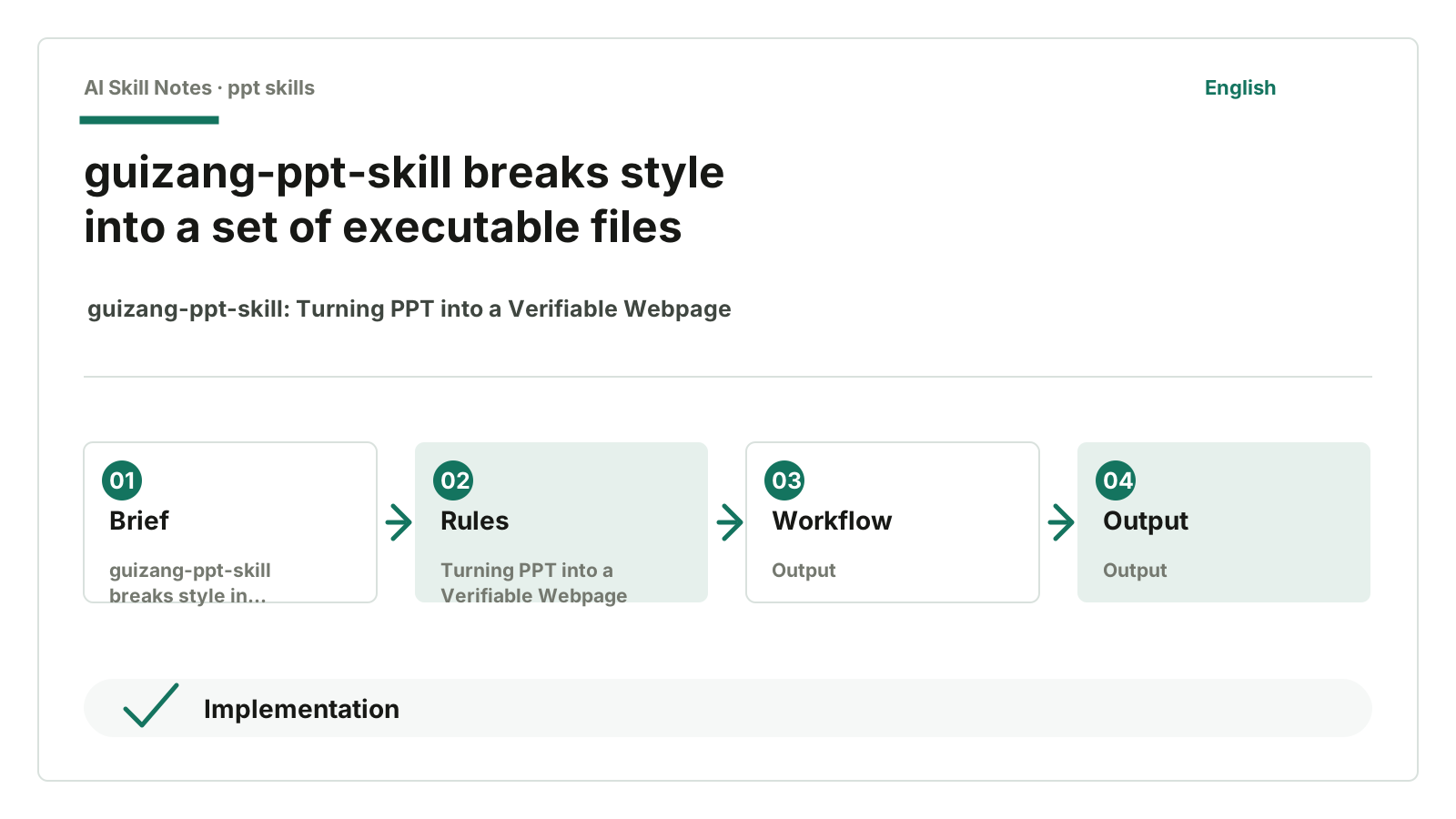
5. Implementation: Template First, Then Fill Content
Its workflow roughly is:
Choose style
Clarify requirements
Copy template
Select layout
Fill slide content
Optionally generate images
Run checks
Preview in browser
Iterate
The key is the first half: copy template, select layout.
It discourages AI from writing HTML from scratch. This is a good restriction. Writing from scratch is prone to errors: messy class names, fragmented CSS, each page looks like a patchwork.
So it requires copying a template first.
Electronic magazine style uses:
assets/template.html
Swiss style uses:
assets/template-swiss.html
Templates already include CSS, JS, fonts, flip logic, animations, WebGL or dot-matrix backgrounds. AI’s job is to fill content into predefined structures.
It’s like hiring a designer to make a PPT with a design system first, not just saying “be creative.” Creativity sounds free but often leads to rework.
6. Why Swiss Style Needs a Validator
There’s an interesting file in the repo:
scripts/validate-swiss-deck.mjs
It’s a Node script that checks the generated Swiss style HTML.
It looks for issues like:
Is there a <section class="slide">?
Does each page have data-layout?
Is data-layout registered as S01-S22?
Are experimental layouts like P23/P24 used?
Are non-statement pages’ top titles centered?
Is there visible text inside SVG?
Do local images have data-image-slot?
Does S22 use s22-hero-21x9?
Are photos incorrectly using object-position: top center?
These checks aren’t complicated but very effective.
The most common AI PPT problem is each page drifting a bit: title shifted, image slot casually assigned, text tags stuffed in SVG, font size a bit too small.
One page looks okay, but ten pages together look scattered. Scattered evenly, which is annoying.
The validator turns these “a bit off” into errors that can be caught. Wherever scripts can check, don’t rely on prompt reminders. Prompts get ignored; scripts throw errors.
7. Images and Covers Also Use the Same System
This repo doesn’t just do PPT; it also manages images and multi-platform covers.
It covers scenarios like:
WeChat public account 21:9 header image
WeChat public account 1:1 share card
Xiaohongshu 3:4 cover
Video account horizontal cover
Internal PPT infographics
Screenshot beautification
Screenshot redesign
This is very practical. After a sharing session, you usually need to post on WeChat, make share cards, create Xiaohongshu covers. If each platform is designed separately, the style quickly falls apart.
guizang-ppt-skill’s approach is: PPT, images, and covers all follow the same visual rules.
For example, Swiss style images keep a single anchor color, right angles, no shadows, no rounded corners. Generated images are materials only, no titles, footers, page numbers, or badges drawn into the image.
This detail is small but very useful.
Images are materials embedded in PPT, not another PPT page. Many AI-generated images come with titles, borders, signatures, badges, which clash with page titles when placed in PPT. This Skill forbids such errors upfront.
8. How to Install and Use
Give this GitHub address to AI:
https://github.com/op7418/guizang-ppt-skill
Then say:
Help me install guizang-ppt-skill.
After installation, you can use it like this:
Help me make a Swiss style PPT based on this article, about 7 pages, with 2-3 images.
Or:
Help me turn this Markdown into an electronic magazine style presentation PPT.
You can also ask it to make covers directly:
Based on the core points of this PPT, generate a 21:9 header image for WeChat public account.
Beginners can start with Swiss style. It’s not necessarily more advanced but has clearer constraints. The clearer the constraints, the less likely AI will drift.
For opinion sharing, personal expression, offline talks, electronic magazine style feels more flavorful. For product analysis, methodology, technical sharing, Swiss style is more stable.
9. How I View Public Feedback
From public sources, the most solid info is the project README, Skill directory page, and author notes.
guizang-ppt-skill README mentions this Skill comes from guizang’s offline sharing PPT practice. SPONSORS.md notes the project is sponsored by 360 Security Lobster Gold and ZhenFund Token Grant.
This at least shows it’s not casually thrown together.
But I didn’t find enough stable, in-depth reviews to say “everyone’s experience.” So no forced reputation here. This article mainly looks at source code and docs.
From an implementation view, I prefer to remember this: it breaks aesthetic experience into reusable files instead of putting all hopes on one prompt.
10. If You Want to Write a Similar PPT Skill
This Skill’s transferable points are straightforward.
First, decide the deliverable.
Do you want PPTX, HTML, or a set of images? Don’t mix. guizang-ppt-skill is clear: main flow is HTML deck; PPTX is not on this main line.
Second, make templates first, then let AI fill content.
If you want your own public account presentation Skill, start with a template:
Cover page
Problem page
Case page
Principle page
Step page
Summary page
Give structure and constraints for each page type. AI just selects and fills, no need to invent from scratch each time.
Third, keep theme colors few.
This repo discourages random color customization, presetting theme colors for users to choose. Sounds restrictive but suits AI well. Too much freedom makes AI busier, not more aesthetic.
Fourth, number layouts.
S01 to S22 isn’t formalism. It lets humans and AI say clearly: “This page uses S08, don’t invent new structure.” Numbering makes checking, reuse, and editing easier.
Fifth, write scripts for what can be validated.
Missing data-layout, using unregistered layouts, images missing slots, titles not centered, visible text in SVG — these don’t need big model judgment. Scripts are more reliable.
Sixth, write pitfalls into checklist.
checklist.md isn’t vague “pay attention to aesthetics.” It lists specific errors: Swiss style top titles shouldn’t be centered, font size not too small, bottom page safe zone not obscured, images shouldn’t have built-in headers or footers.
These rules are truly reusable.
11. My Judgment
guizang-ppt-skill’s value isn’t “webpages can do PPT.” Web PPTs aren’t new.
Its interesting part is clear division of labor: templates ensure stability, layout files handle selection, theme files set aesthetic boundaries, checklists preserve experience, validation scripts catch deviations. AI is involved but mainly for understanding content, filling pages, generating images, and iterating.
If you just say “help me make a sophisticated PPT,” AI will likely fall back to default templates. But give it templates, layouts, slots, theme colors, forbidden items, and validators, and it can work within a system.
A good Skill doesn’t rely on a long prompt to hold the stage. It breaks tasks into reusable workflows.