“Type one sentence in your agent, get back a deliverable design.”
This is how the huashu-design README puts it. It sounds a bit grand, like an ad slogan. But after going through the repo, I think the most worth discussing isn’t this catchphrase.
It’s not just about teaching AI to write a few nice CSS lines, nor letting the model draw a “tech-style page” based on a feeling. The most important thing it does is to prevent AI from giving a final answer too quickly.
Many design requests start vague. Users say things like “make a nice page,” “make a product intro animation,” or “make a presentation PPT.” At this point, AI is most likely to pretend it understands and just start working. After it’s done, users realize the direction is wrong.
huashu-design’s solution is simple but effective: first produce three visible real directions for people to choose from. After selection, continue deeper.
1. It’s Not an Ordinary Web Skill
huashu-design covers a wide range.
The README clearly states: it can create interactive prototypes, presentation slides, timeline animations, design variants, infographics, and expert reviews. Most of these end up as HTML first, then exported as PNG, PDF, PPTX, MP4, or GIF as needed.
This needs to be clarified upfront.
It’s not a production-level Web App Skill. It’s not a Figma plugin either. It’s more like a designer’s toolbox working inside an agent: using HTML/CSS/JS for high-fidelity visuals, then scripts to export different deliverables.
So the focus isn’t “how to write web pages.” The focus is: when users give only a vague request, how does AI follow a design-like process?
2. The Most Critical Gate: Three Directions
In huashu-design’s SKILL.md, there’s a strict rule: any task producing new visual design must first generate three initial direction drafts.
These three directions can’t be just text descriptions.
For web pages, infographics, prototypes, real HTML and screenshots must be produced. For multi-page decks, two representative pages per version. For animations or promos, a mood board with at least real still frames, color palettes, and style positioning.
In other words, it doesn’t let users blindly pick from text labels like “cyber minimalism,” “warm handmade,” or “modern business.” Choosing style by words is actually hard. Everyone’s idea of “high-end,” “simple,” or “lively” is different.
Putting three real visuals side by side lets users know what they actually like.
This step may seem time-consuming but saves rework. In design, the most expensive thing isn’t making two extra images, it’s starting off in the wrong direction and then fixing a car that’s been driven the wrong way.
3. How It’s Implemented in Code
This repo isn’t just a SKILL.md file.
The README also reminds you to check that the references/, assets/, scripts/, and demos/ directories are all present after installation. Because older versions of skills CLI had issues syncing only single files, missing these directories basically cripples the Skill.
SKILL.md manages the overall flow. It routes tasks into prototypes, PPTs, animations, infographics, and reviews. Any new visual design must first pass the three-direction gate.
references/ holds manuals. For example, brand-asset-protocol.md explains how to find brand assets; design-styles.md contains the style library; slide-decks.md, editable-pptx.md, and video-export.md handle slides, editable PPTX, and video export respectively.
assets/ contains reusable components. For example, ios_frame.jsx, android_frame.jsx, browser_window.jsx, deck_stage.js, animations.jsx. These aren’t just small page decorations; phone frames for prototypes, deck stages for slides, and timelines for animations all come from here.
scripts/ is where much of the heavy lifting happens.
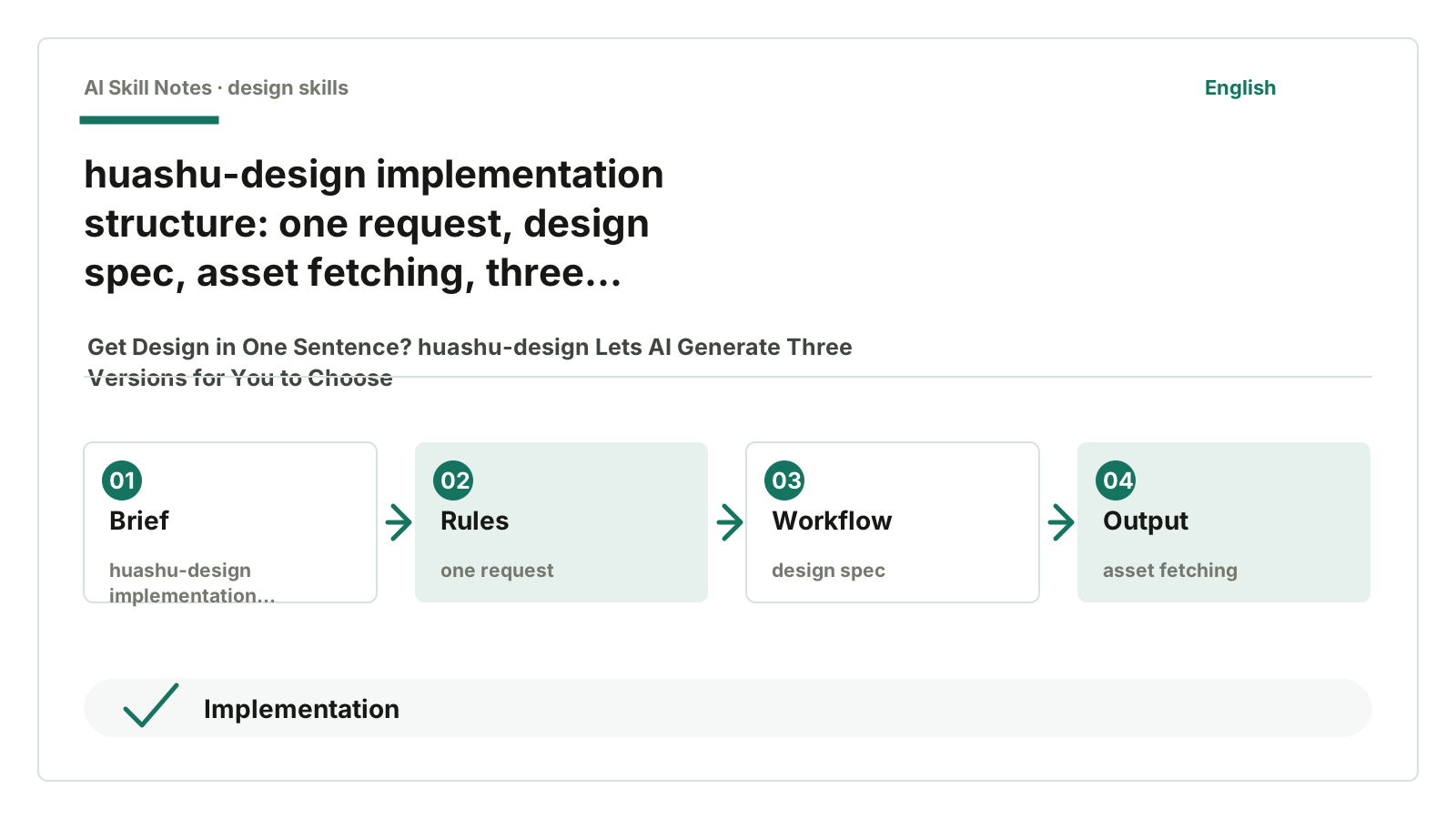
fetch_images.py fetches real images needed for content. html2pptx.js reads DOM computed styles and converts HTML elements into PowerPoint objects. export_deck_pptx.mjs exports decks to PPTX. render-video.js and render-video-seek.js handle video export, with the latter focusing on deterministic frame-by-frame rendering. verify.py uses Playwright for checks. design-gate-hook.sh acts like a gatekeeper: if no direction is selected, don’t rush to render.
This division is clear: Skill rules manage the process, HTML carries the visuals, scripts handle export and validation.
4. Why Find Real Assets First
huashu-design also has an important principle: if the design involves specific brands or products, it must first find real logos, product images, UI screenshots, and color values.
This isn’t formalism.
When AI designs, it loves to take shortcuts by using color blocks and abstract shapes to fake concrete objects. If you ask it to make a product launch animation, it might not find product images but just draw a black rounded box with some blue glow. It looks “techy,” but no one resembles the real thing.
huashu-design’s brand asset protocol requires asking users if they have assets; if not, fetch from official sources. If none are found, honestly use placeholders instead of pretending assets exist.
This rule suits regular users well. Beginners might not know they need to provide logos, color palettes, or screenshots. The Skill asks this upfront, greatly improving quality.
5. Public Feedback: Powerful but Not Easy
In public feedback, I saw two types of voices.
The first is “this direction is useful.” The README shows many demos: iOS prototypes, HTML slides to PPTX, motion design, infographics, expert reviews. These demos at least show it puts effort into the delivery chain, not just writing a set of text rules. The huashu-design README also clearly states cross-agent use and MIT license.
The second is “the threshold and stability need polishing.” Issue #47 adds installation self-check and fallback for old skills CLI because this Skill depends on many directories; installing only SKILL.md causes problems. Issue #30 reports manual fixes after install failures.
There are real experience issues too. Issue #36 mentions that after trying different models, the visual effect varies greatly from demos. This feedback is valuable: the same Skill can produce very different results across agents, models, and environments.
There are more specific pitfalls. Issue #34 mentions mobile display and scaling issues; Issue #32 wants to see exported PPT presentations.
So I wouldn’t call huashu-design a “plug-and-play stable blockbuster” product. It’s more like a heavy design workflow for those willing to let the agent run through a process. If you want a picture in ten seconds, it might feel cumbersome; if you want direction, assets, delivery, and validation all managed, it’s interesting.
6. How to Install and Use
Give this GitHub address to your AI:
https://github.com/alchaincyf/huashu-design
Then say:
Please help me install the huashu-design Skill from this repo.
After installation, check that the references, assets, scripts, and demos directories are all present.
After installation, try a small task first:
Use huashu-design to make a landing page for an AI note-taking tool. First give me three visual directions; I’ll choose before continuing.
Or:
Use huashu-design to make a 6-page presentation deck. First produce three directions, each with 2 representative pages.
If you want to test its strengths, don’t just say “make a nice page.” Give some real content like product name, target audience, required text, likes and dislikes references. It can ask questions, but the more specific you are, the more valuable the three directions for comparison.
7. How You Can Write Your Own Skill Like This
If you want to write a “design delivery Skill,” you can borrow huashu-design’s framework.
Use case: users want AI to make prototypes, PPTs, infographics, animations, design reviews—not just write ordinary page code.
Trigger: user says “make a design,” “make a PPT,” “make a prototype,” “export video,” “give several style directions.”
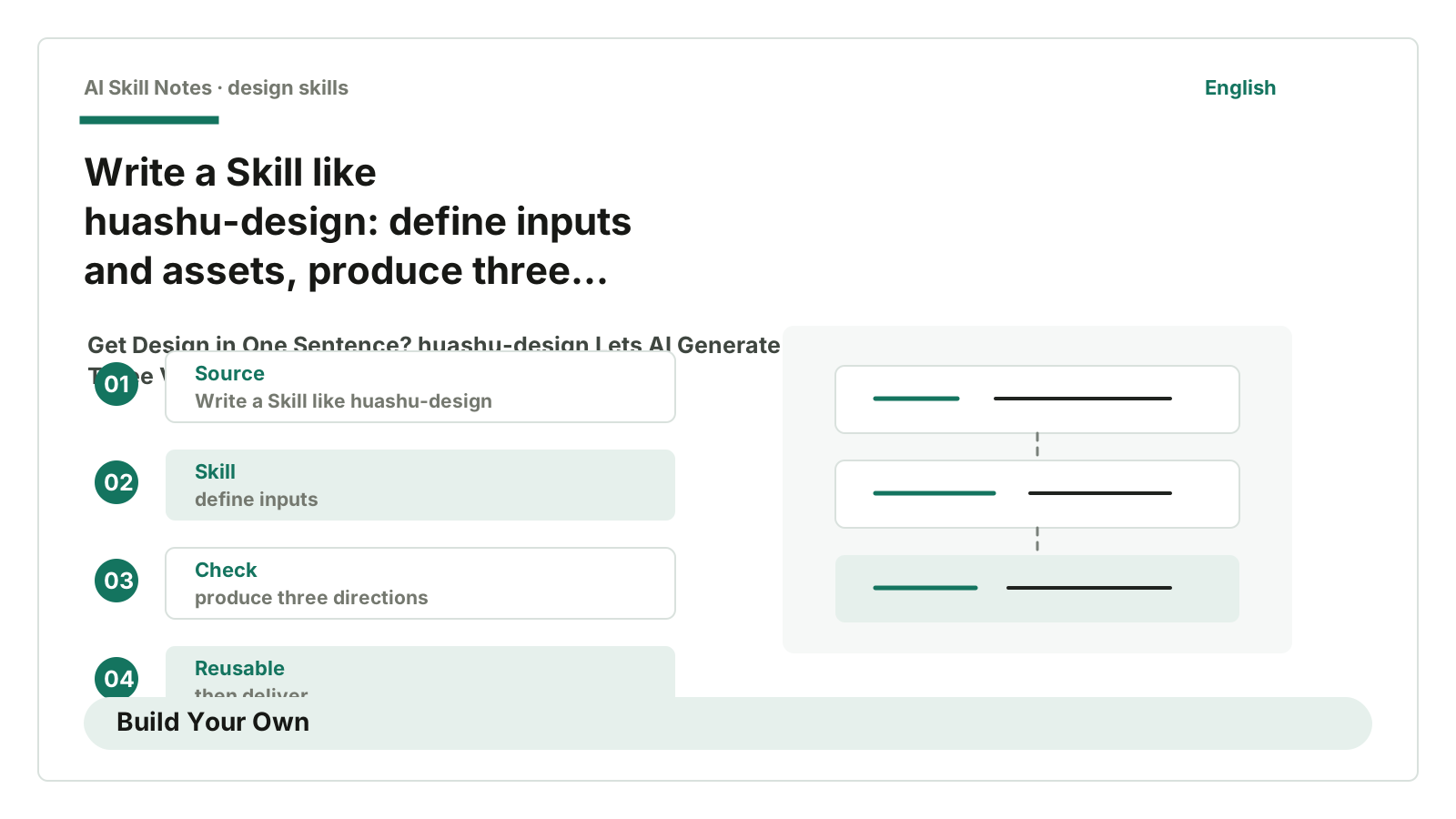
Input: user needs, target audience, delivery format, brand assets, reference links, required content, size and constraints.
Output: three real visual directions, user-selected HTML prototype, PPTX, PDF, MP4, GIF, or review report.
Workflow: clarify needs; write a sufficiently detailed design spec; decide if images and brand assets are needed; get assets; produce three real directions; user selects; deepen work; export and check with scripts before delivery.
Key constraints: don’t let users pick style by text only; don’t draw without brand assets; don’t make up data; don’t use broken SVG icons; don’t skip mobile or export validation.
Optional tools: image fetching scripts, brand asset index, HTML screenshots, PPTX export, frame-by-frame video rendering, Playwright checks, design gate hook.
Adaptation: if you write a content production Skill for public accounts, you can also borrow the “three directions” idea. For example, generate three opening directions, two structure options, two cover options for the same article, let people pick the flavor before detailed writing. Don’t let AI pretend it understands on the first try.
8. My Conclusion
The most inspiring part of huashu-design is that it leaves “choice” where it should be.
AI can quickly produce a version. Speed is its strength but also its biggest source of mistakes. Early design should first show several different directions for people to see and choose, not rush to treat the first version as the answer.
This Skill is a bit heavy, with many rules, directories, and scripts. Small tasks may find it slow.
But if you want to deliver PPTs, prototypes, animations, infographics—visual products—it at least blocks several key issues upfront: where assets come from, who chooses style, how to export, how to verify results.
That’s much more reliable than saying “make it a bit more high-end.”